how to plan a simple automation workflow — practical tips and tricks.
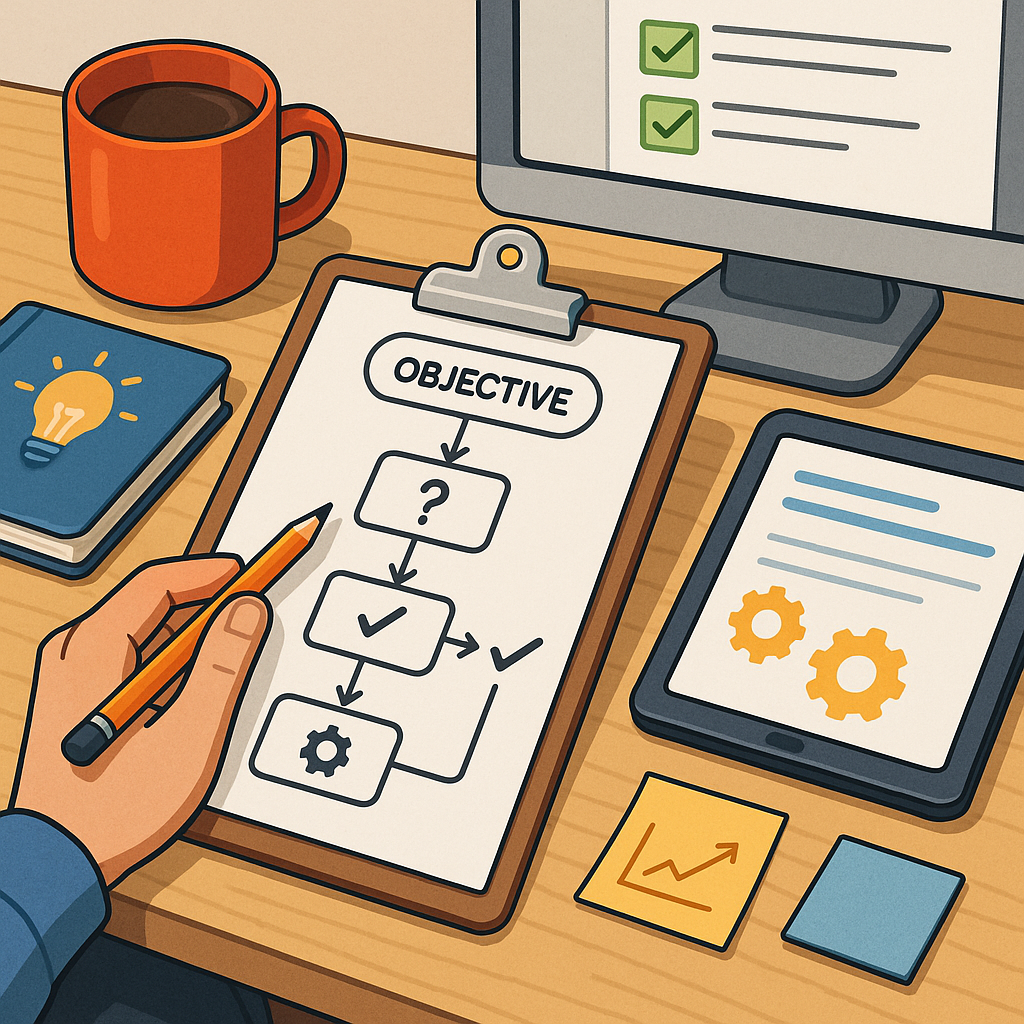
Start by clarifying the objective of your automation before touching any tools or templates. State the problem you want the workflow to solve and the measurable outcome you expect, such as saving time, reducing manual errors, or ensuring data consistency. Keep the initial scope small so you can build a working version quickly and learn from it as you go. Recording the objective in a single sentence helps avoid scope creep and makes it easier to evaluate success once the workflow is running.
Map the current process step by step to reveal the exact touchpoints for automation. Include who performs each step, what inputs and outputs are involved, and any decision points where human judgment is required. A simple process map on paper or a whiteboard is enough to spot redundant steps and identify straightforward handoffs. Focus on automating repetitive, rule-based tasks first rather than complex decisions that need human nuance.
Choose a clear trigger and define the actions that follow in order of priority. Decide whether the workflow should run on a schedule, in response to an event, or when a user manually starts it. For each action, note the expected input, the transformation or decision to be applied, and the output. Where possible, design actions to be idempotent so re-running them does not create duplicate work or inconsistent data.
Plan for errors, logging and data validation as part of the workflow design rather than as an afterthought. Identify likely failure modes and decide how the system should respond — retry, alert a person, or roll back changes. Add clear, human-friendly log messages and a small set of alerts to avoid alert fatigue. Include simple data checks at each step to catch malformed inputs early and reduce the chance of cascading failures.
- Checklist before building: define objective, map steps, select trigger, list actions, set success criteria, decide error responses.
- Security and permissions: confirm minimum required access and store credentials securely.
- Testing and rollback: plan test cases and a safe rollback path before deployment.
When you build the first version, adopt an iterative mindset and use small, testable modules. Break the workflow into discrete actions that can be executed and validated independently. Reuse connectors and existing components where they are reliable, but avoid overcomplicated templates that are hard to understand. Use version control or a changelog for your workflow definitions so you can trace what changed and why when behaviour differs from expectations.
Thorough testing in a controlled environment will save time and frustration later. Create test cases that cover normal operation, boundary conditions and error scenarios. Test with realistic data and simulate failure modes such as timeouts and permission errors. Run the workflow repeatedly under test to confirm idempotence and consistent outputs, and document the test results so you have a reference when the workflow runs in production.
Once the workflow is live, monitor its performance and iterate based on real usage data. Keep an eye on run times, failure rates and the volume of alerts, and adjust thresholds and retries to balance reliability with noise. Schedule periodic reviews to tidy up obsolete steps, update credentials and ensure the workflow still meets the original objective. For further practical guides in this series, see other guides on the blog. For more builds and experiments, visit my main RC projects page.
Comments
Post a Comment