how to plan a simple automation workflow for everyday tasks
Automations save time when they are planned carefully rather than stitched together at random, and this step-by-step tutorial explains the approach I use for small projects and proofs of concept. Start by clarifying the single problem you want to solve, set measurable success criteria and decide what "done" looks like for your automation. Keep the scope narrow for the first iteration so you can complete a working version quickly and learn from its behaviour. The rest of the steps show how to turn that high-level goal into a repeatable workflow that is easy to test and maintain.
Step 1 is to define the objective and constraints precisely before touching any tool or code. Ask what outcome you expect, who benefits, how often the automation should run and what data it will handle. Note any security, compliance or access restrictions up front so the design will accommodate them. Also estimate acceptable failure modes and recovery paths, because even simple automations need a way to alert humans if something goes wrong.
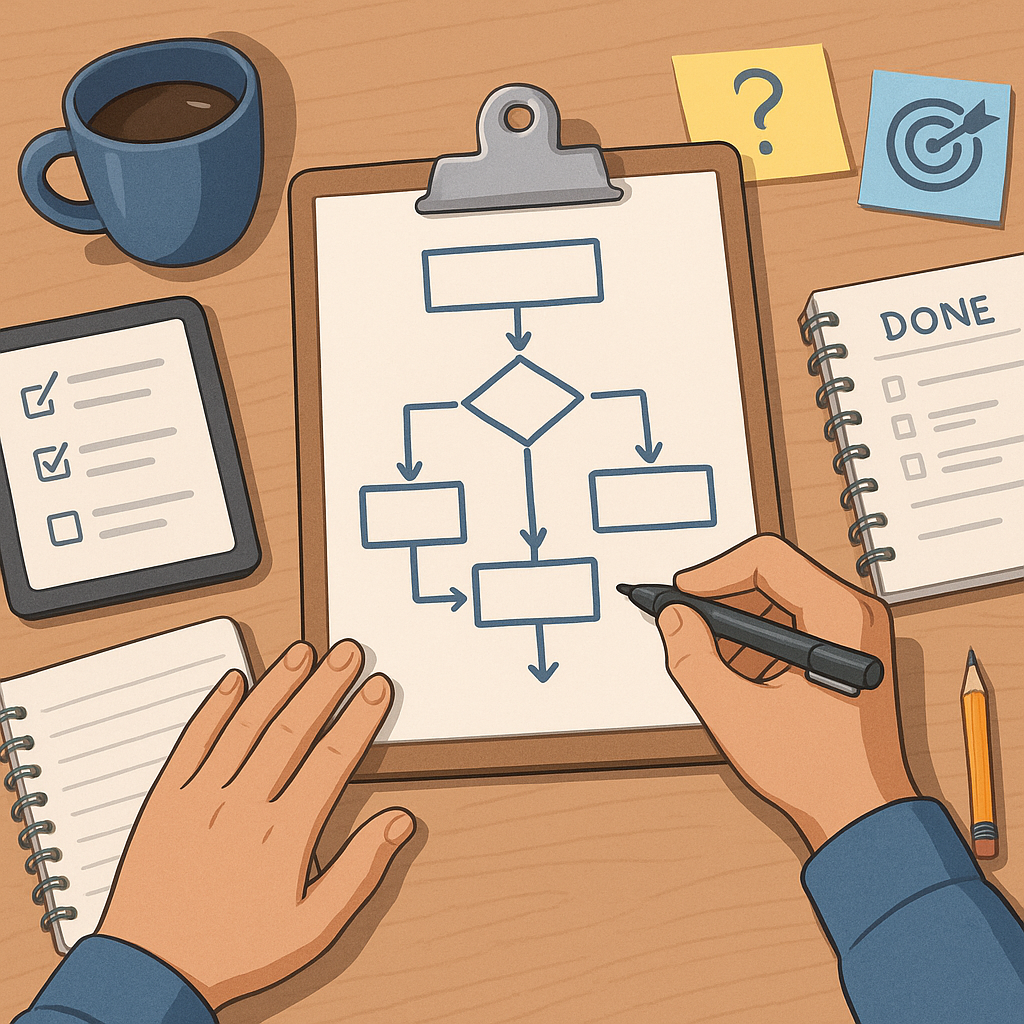
Step 2 is to map the process you intend to automate, breaking it into clear triggers, actions and decision points. Sketch the sequence on paper or use a simple diagram tool to document each step and the data passed between steps. A short checklist helps ensure you have thought through common elements such as data validation and error handling.
- Identify the trigger that starts the workflow, such as a new file, incoming email, or scheduled time.
- List actions the workflow must perform, including reads, writes, notifications and transformations.
- Define decision points where the workflow must branch based on data or external conditions.
- Specify success and error outcomes so downstream systems know how to react.
Step 3 is choosing the simplest toolchain that achieves your goal reliably. For many simple workflows, low-code automation platforms or cloud functions are enough, while more complex cases may need a small script plus scheduling. Select tools you or your team already understand to reduce ramp-up time, and verify they support the authentication and integrations required. When you evaluate options, also consider logging, retry behaviour and how alerts are delivered, because observability matters even for small automations.
Step 4 covers building a minimal prototype and mapping data flows. Implement the core trigger and one or two representative actions so you can validate the end-to-end behaviour quickly. Use sample data to check field mappings and format conversions, and make the prototype idempotent wherever possible so repeated runs do not cause duplication or unwanted side effects. Include basic logging at each stage so you can trace execution during tests and early production runs.
Step 5 focuses on testing and refining the workflow with realistic scenarios. Create test cases that include normal runs, boundary conditions and expected error conditions, then run the automation against those cases. Observe the logs and any notifications, adjust retry policies and tune timeouts, and ensure that failures provide clear, actionable messages for the person responsible. If the automation interacts with external systems, add a fallback or temporary pause strategy so transient outages do not escalate into data loss.
Step 6 is deployment, documentation and ongoing maintenance. Deploy the workflow to a controlled environment first and monitor it during a defined burn-in period to confirm it meets your success criteria. Document the design, configuration details, expected inputs and how to respond to common failures so someone else can support the automation if needed. For more practical guides on planning and building automations, see our How-To Guide collection. Finally, schedule a periodic review to revisit assumptions, update credentials and optimise the workflow as needs evolve.
Follow this sequence and you will have a simple, maintainable automation that delivers value quickly and can be extended safely over time. Start small, test thoroughly, document decisions and treat the first version as a learning step rather than a finished product, and you will avoid common pitfalls while making automation an effective part of your processes. For more builds and experiments, visit my main RC projects page.
Comments
Post a Comment