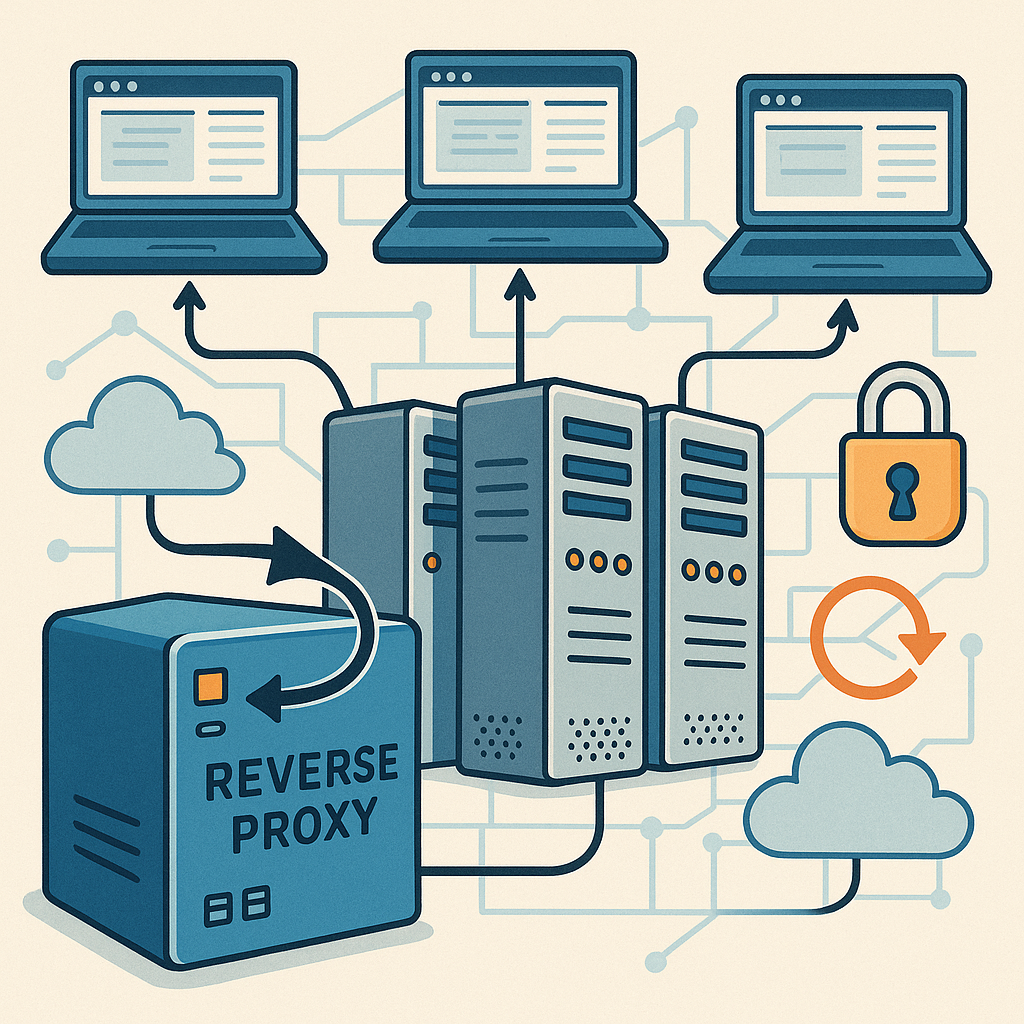
what a reverse proxy is (educational)
A reverse proxy sits between clients and one or more backend servers and forwards client requests to the appropriate service, acting as the public face of your application infrastructure and providing load balancing, SSL termination, caching and request routing capabilities.
This guide focuses on troubleshooting a reverse proxy rather than its design, and it is intended for engineers who need practical diagnostic steps when traffic is failing, responses are slow or headers and client identity are not being preserved correctly.
Typical symptoms that indicate a reverse proxy issue include HTTP 502 Bad Gateway or 504 Gateway Timeout responses returned to clients, SSL handshake failures or certificate warnings, missing or incorrect client IP addresses in application logs, session persistence failures in stateful applications and unexplained increases in latency or dropped websocket connections.
- Confirm the proxy process is running and the configuration file parses without errors by using the proxy's native test command or system service manager.
- Tail and examine proxy access and error logs while reproducing the fault to capture timestamps and error codes for correlation with backend logs.
- Test the backend directly from the proxy host using curl or telnet to confirm that the backend responds as expected and to rule out network or DNS issues between the proxy and upstream servers.
- Check TLS certificate chains and private key permissions if TLS termination happens at the proxy, and verify SNI and supported TLS versions if the backend requires them.
- Inspect request and response headers for expected values such as Host, X-Forwarded-For and Upgrade headers for websocket traffic, and verify any header rewrites are intentional.
When you see a 502 Bad Gateway it commonly means the proxy cannot communicate properly with the upstream server, which can be caused by a crashed backend, incorrect upstream address or protocol mismatch, or misconfigured fastcgi or proxy_pass directives depending on the technology in use.
A 504 Gateway Timeout usually points to backend slowness or resource exhaustion, so measure backend response times, check database queries and increase proxy timeouts cautiously while addressing the root cause rather than simply masking poor performance with longer waits.
SSL and TLS problems often stem from expired certificates, missing intermediate certificates or incorrect key files, and they are easiest to spot by reproducing the handshake from the proxy host with a verbose client, by checking file permissions, and by ensuring the proxy is configured to present the full chain required by clients.
Load balancing behaviour and session affinity can also trip engineers, particularly with sticky sessions or websockets where connection reuse matters, so validate health check endpoints, confirm that upstream health checks match application semantics and consider session stores or tokens if persistence across instances is required.
As a practical escalation path, document each change, test fixes in a non-production environment where possible, and keep a simple rollback plan for configuration changes that affect live traffic, and for further reading on related operational topics see related Infrastructure posts. For more builds and experiments, visit my main RC projects page.
Comments
Post a Comment