how to plan a simple automation workflow — practical tips and tricks
Planning an automation workflow starts with a clear purpose and a realistic scope, which keeps projects small and deliverable rather than bloated and experimental. Keep the focus on the task you want to remove from a human operator or to speed up, and state the measurable outcome you expect, such as time saved, error reduction or throughput increase. Avoid trying to automate a whole process in one go as that usually introduces unnecessary complexity and delays. Treat automation as an iterative improvement rather than a one-off overhaul to keep risk low and benefits visible from early stages.
Begin by defining the objective and the acceptance criteria in plain language so stakeholders can agree on success. Define what “done” looks like for the smallest meaningful automation, and note any regulatory, security or privacy constraints up front. Estimate the frequency and volume of the tasks to confirm the automation makes sense economically and operationally. Consider who will maintain the workflow and what skills they already have so the chosen approach fits your organisation rather than forcing a steep learning curve.
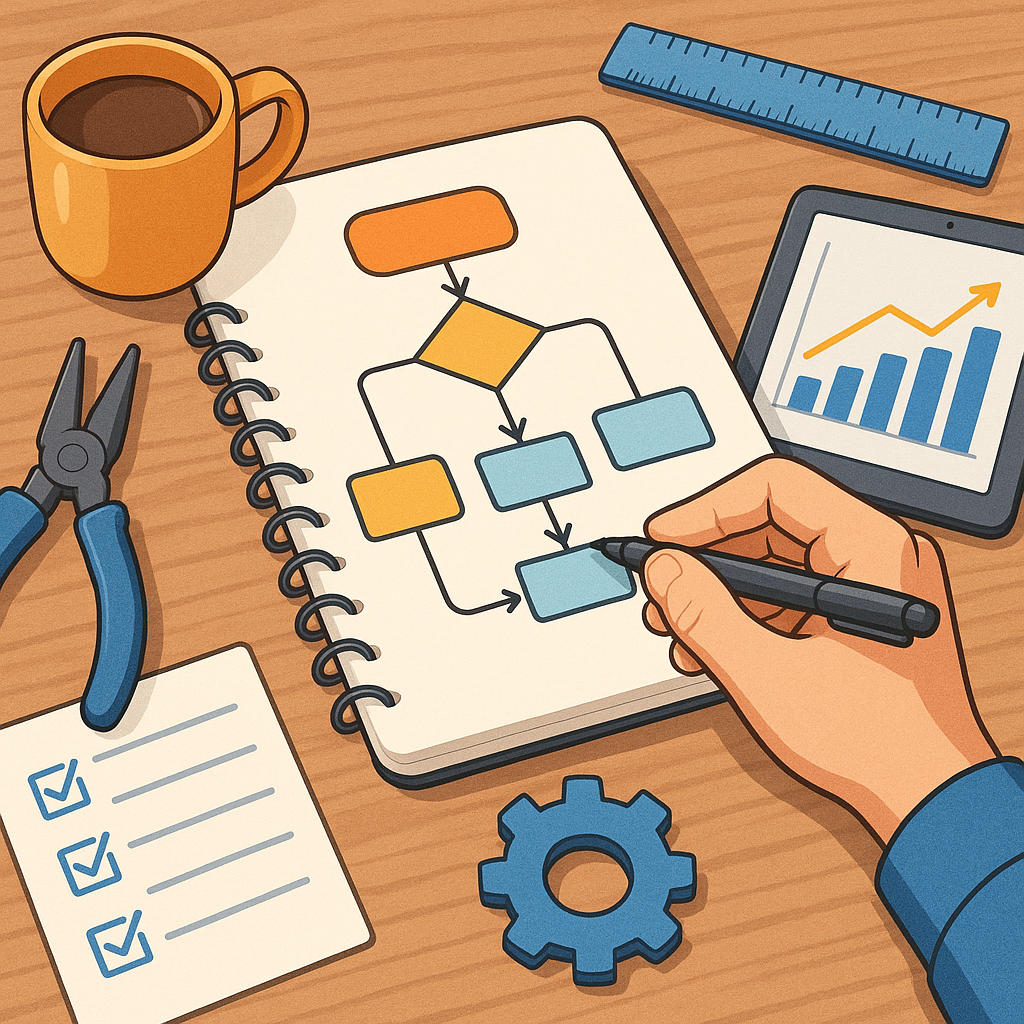
Map the existing manual process as a sequence of steps, identifying decision points and the precise data that flows between them. Capture the inputs required, the outputs produced and the conditions that cause exceptions so you can design for the common case first and handle outliers later. Use simple flow diagrams or a numbered list to make the logic visible to non-technical stakeholders, which helps spot inefficiencies and unnecessary steps that should be removed before automating. This mapping also highlights where to insert triggers and where human approval remains essential.
- Define the trigger that starts the workflow, such as a file arrival or a form submission.
- List the exact inputs needed at each step and their required formats.
- Identify expected outputs and how success is verified.
- Note exception conditions and how they should be routed or escalated.
- Decide what parts must remain manual and why.
Choose tools and architecture that match the complexity you found during mapping and the skills available in your team. For simple workflows, low-code platforms or scripting languages tend to be faster to deliver and easier to maintain than heavy orchestration frameworks. Evaluate integration points, authentication methods and whether the workflow will run in the cloud or on-premises, bearing in mind data residency and compliance needs. Prioritise solutions that support idempotent operations and simple retry logic to reduce the risk of duplicate processing.
Build a minimum viable automation to validate your design before expanding the scope, using test data and a sandbox environment where possible. Create a small set of test cases that cover normal operation, boundary conditions and common error scenarios, and automate those tests where feasible. Keep your first iteration deliberately narrow: prove the trigger, a key processing step and the final action or notification. This approach limits blast radius if something goes wrong and provides a concrete demonstration to stakeholders that builds confidence for a wider rollout. For more builds and experiments, visit my main RC projects page.
Design for resilience by implementing clear error handling, monitoring and logging from the start so issues are visible and actionable. Log meaningful context rather than raw data to protect privacy while making troubleshooting easier, and set up alerts for failures that require human intervention. Include retry strategies for transient errors and compensation steps for irreversible actions where appropriate. Finally, document the workflow, the maintenance steps and known limitations in a concise handover note so future maintainers can make safe changes and improvements, and consult the Build & Automate How-To Guide collection for similar approaches if you need more examples via related guides.
Comments
Post a Comment