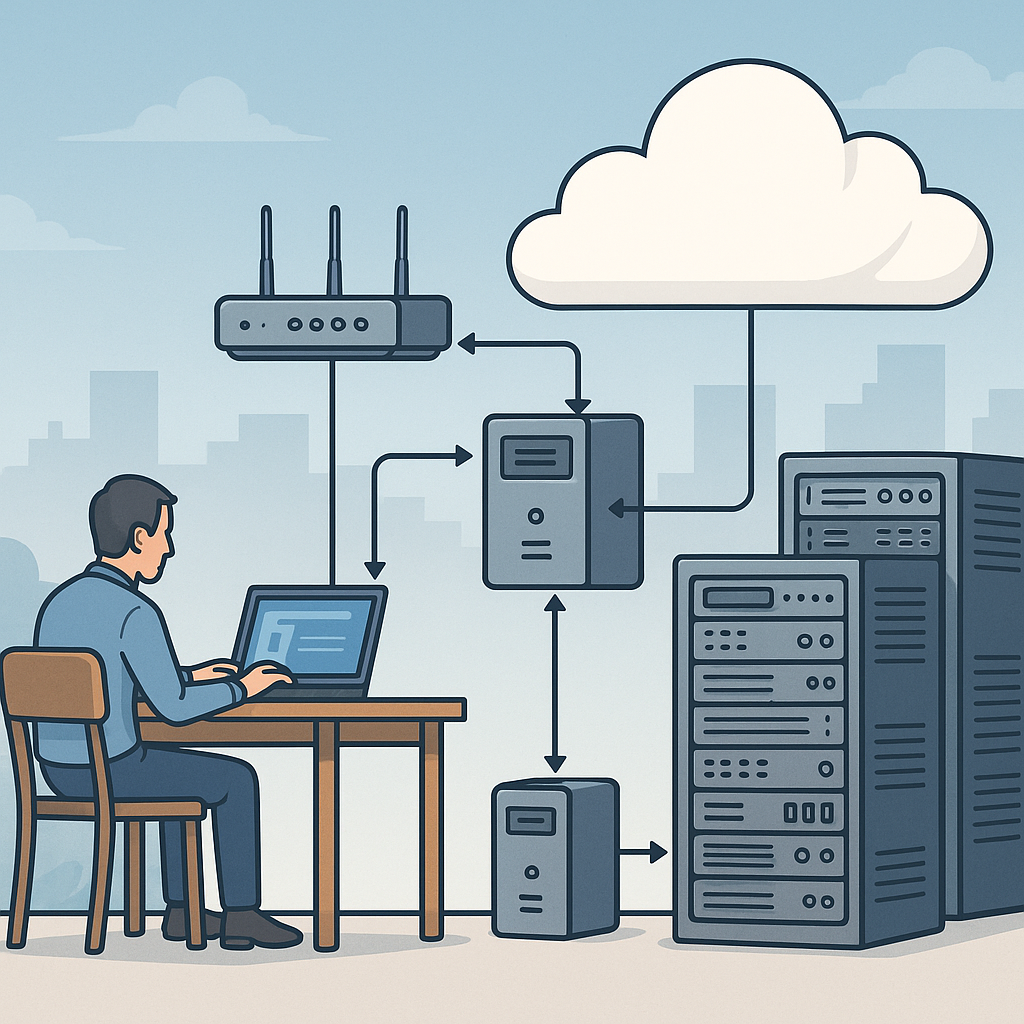
Understanding what a proxy is (educational, non-abuse) and how to set one up step by step
A proxy is a network intermediary that forwards requests between a client and another server on behalf of that client, and this article explains what a proxy is (educational, non-abuse) with a step-by-step approach to setting one up for legitimate infrastructure purposes. This introduction outlines typical, non-abusive uses such as centralising web traffic for caching, filtering, logging, or isolating internal services from direct exposure to the internet. The steps below are aimed at system administrators, engineers and hobbyists who need a lightweight, maintainable proxy for everyday infrastructure tasks rather than any kind of evasion or misuse of networks.
At a basic level a proxy accepts a network request from a client, examines or modifies that request according to configured policies, forwards it to the destination server, and then returns the server response to the client. That intermediary role allows an organisation to control traffic, implement access rules, apply content caching to reduce bandwidth, and collect logs for monitoring. The proxy can operate at different layers of the network stack, meaning that some proxies understand HTTP specifics while others handle raw TCP or UDP streams, and choosing the correct type depends on your use case.
Proxies come in a few common flavours and each has a different role and configuration behaviour. A forward proxy handles outbound requests from clients to external servers, a reverse proxy fronts one or more servers to present a single entry point, a transparent proxy intercepts traffic without explicit client configuration, and SOCKS proxies handle general TCP traffic independently of HTTP semantics. The right choice depends on whether you need caching, load balancing, protocol translation, or simple traffic inspection.
- Forward proxy: sits in a client network to manage outbound requests and caching.
- Reverse proxy: sits in front of servers to distribute load and provide TLS termination.
- Transparent proxy: intercepts traffic without client-side settings, useful for monitoring.
- SOCKS proxy: handles arbitrary TCP streams and is protocol-agnostic for specialised cases.
Before you begin a practical build, gather basic prerequisites and plan policy details that will determine your configuration. Decide on the host operating system and the software you will use, such as Squid for HTTP caching, NGINX or HAProxy for reverse proxying and TLS termination, or a lightweight SOCKS implementation for specific TCP tunnelling needs. Choose a host with reliable network connectivity, reserve an IP or virtual interface for the proxy, and prepare authentication and ACL requirements so you do not default to an open proxy. Always plan logging and retention to support operational troubleshooting while respecting privacy and compliance rules.
Step-by-step setup in simple terms starts with installing the chosen proxy package on your host and creating a minimal configuration that permits only authorised traffic. For example, install and enable the service, create a configuration file that binds the proxy to the intended interface and port, and configure access controls such as IP whitelists or username/password authentication to prevent unauthorised use. Add rules for caching or header modification only where necessary, and test incrementally by allowing a narrow set of client addresses before broadening access. Keep the default policy deny and explicitly authorise required clients and destinations.
Testing and operational checks are essential before you move the proxy into production. Configure a single client to use the proxy and observe the proxy logs for connection entries and error messages, verify that caching behaves as expected if enabled, and confirm that TLS certificates and headers are handled correctly in reverse proxy setups. Monitor metrics such as connection counts, response latencies, cache hit rates and resource usage so you can scale or tune the service. Finally, implement routine tasks such as automated log rotation, security updates, and configuration backups to maintain reliability and reduce the risk of accidental exposure.
To continue learning about infrastructure patterns and best practice operational steps for services like proxies, see the posts in the Infrastructure category on this site for related tutorials and reference guides at more posts in the Infrastructure category. Use the steps above as a template: choose an appropriate proxy type for your problem, plan access controls, configure incrementally and monitor continuously to keep the deployment secure and effective. For more builds and experiments, visit my main RC projects page.
Comments
Post a Comment