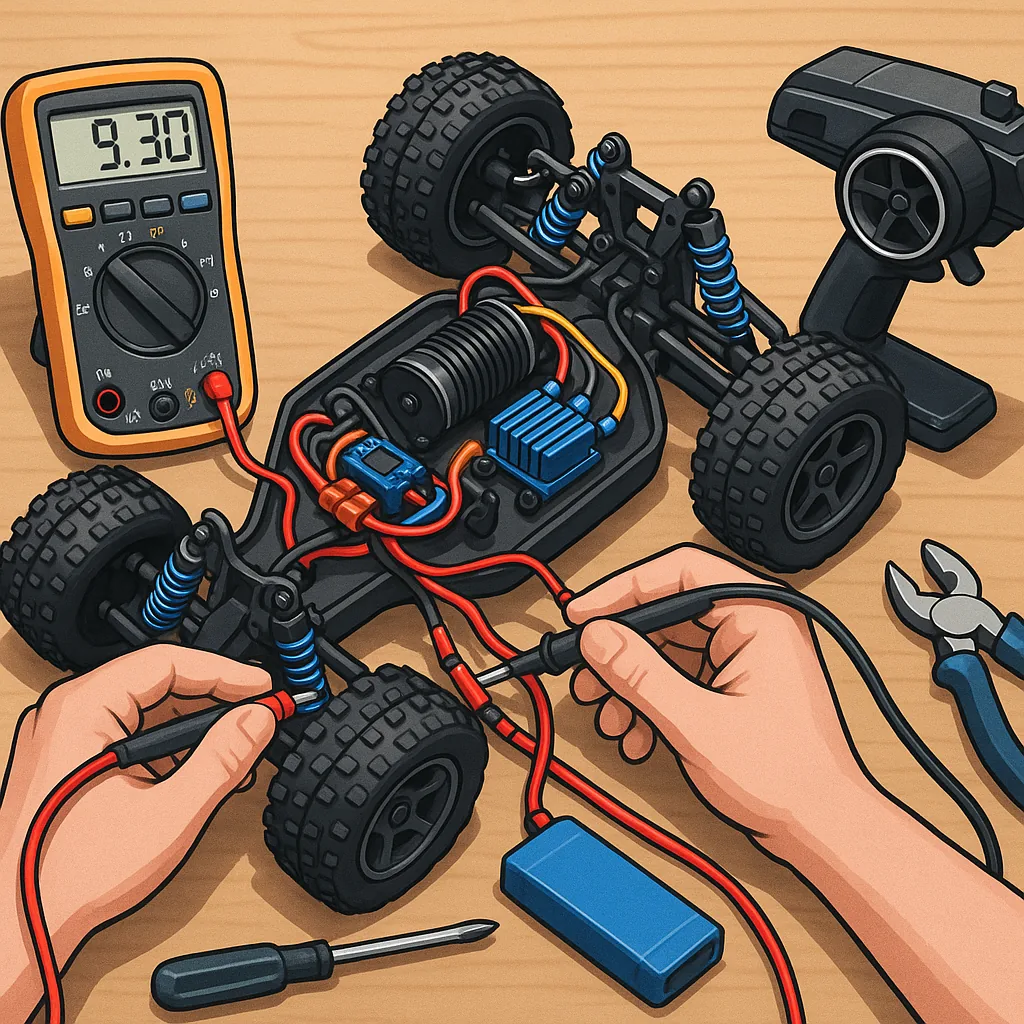
RC electronics troubleshooting: a beginner's guide to common faults and fixes
Working through RC electronics troubleshooting can feel daunting when you are new to radio-controlled models, but a systematic approach reduces stress and saves parts and money. Start by treating the problem as a series of observations rather than assumptions, and keep safety in mind when working with batteries and motors.
Begin with careful observation and documentation of the fault. Note when the problem occurs, what you were doing when it happened, the behaviour of LEDs and any sounds such as beeps from an ESC or intermittent clicks from a motor, and whether issues occur on the ground or only in the air. Reproducing the fault consistently is half the battle because it makes testing meaningful and repeatable.
Assemble a basic toolkit before you start troubleshooting: a multimeter for voltage and continuity checks, a small set of hex drivers and pliers, a servo tester or spare receiver, good quality connectors and heat shrink, and a soldering iron for joint repairs. Wear safety glasses when working near spinning props or exposed electronics, and isolate or remove batteries when you are making wiring changes so components cannot short-circuit by accident.
Power system checks are often the quickest way to identify faults. Measure the battery voltage at rest and under load because a pack can show a normal voltage without being able to deliver current. Look for swollen cells, loose balance leads or corroded connectors that increase resistance. Check the ESC input voltage and ensure the BEC is supplying the correct receiver voltage. If the voltage drops substantially when servos move or the motor spools, suspect a weak battery, poor connection or a failing ESC.
Signal and control problems can mimic power faults, so verify the transmitter and receiver are bound and that failsafes are set correctly. Use a servo tester or a known-good receiver to confirm servos respond properly, and swap channels to isolate whether the issue is a transmitter, receiver or a single device. For brushless motors and ESCs, listen for the expected startup tones and follow the ESC calibration procedure if servos or motor direction seem inconsistent, but only calibrate when you are sure batteries and wiring are correct.
Wiring and solder joints are a frequent cause of intermittent faults in RC models because vibration and strain can cause cold joints or broken wires at connectors. Inspect wiring for frays, exposed strands and brittle insulation. Check continuity with a meter and wiggle wires while watching the signal or voltage to find intermittent breaks. Reflow suspect solder joints and use heat shrink or cable ties to relieve strain at connector points so movement under load does not recreate the fault.
When you have worked through the basics, follow a logical workflow: isolate subsystems, swap in known-good components, and test in controlled conditions while taking notes and photos to track changes. Decide whether a component is worth repairing or replacing based on cost and safety, and keep a small stock of common spares such as motor brushes, ESCs and connectors. If you need further reading or project ideas, see the Maker & DIY posts in the Build & Automate collection for practical guides and step-by-step repairs at our Maker & DIY tag. For more builds and experiments, visit my main RC projects page.
Comments
Post a Comment