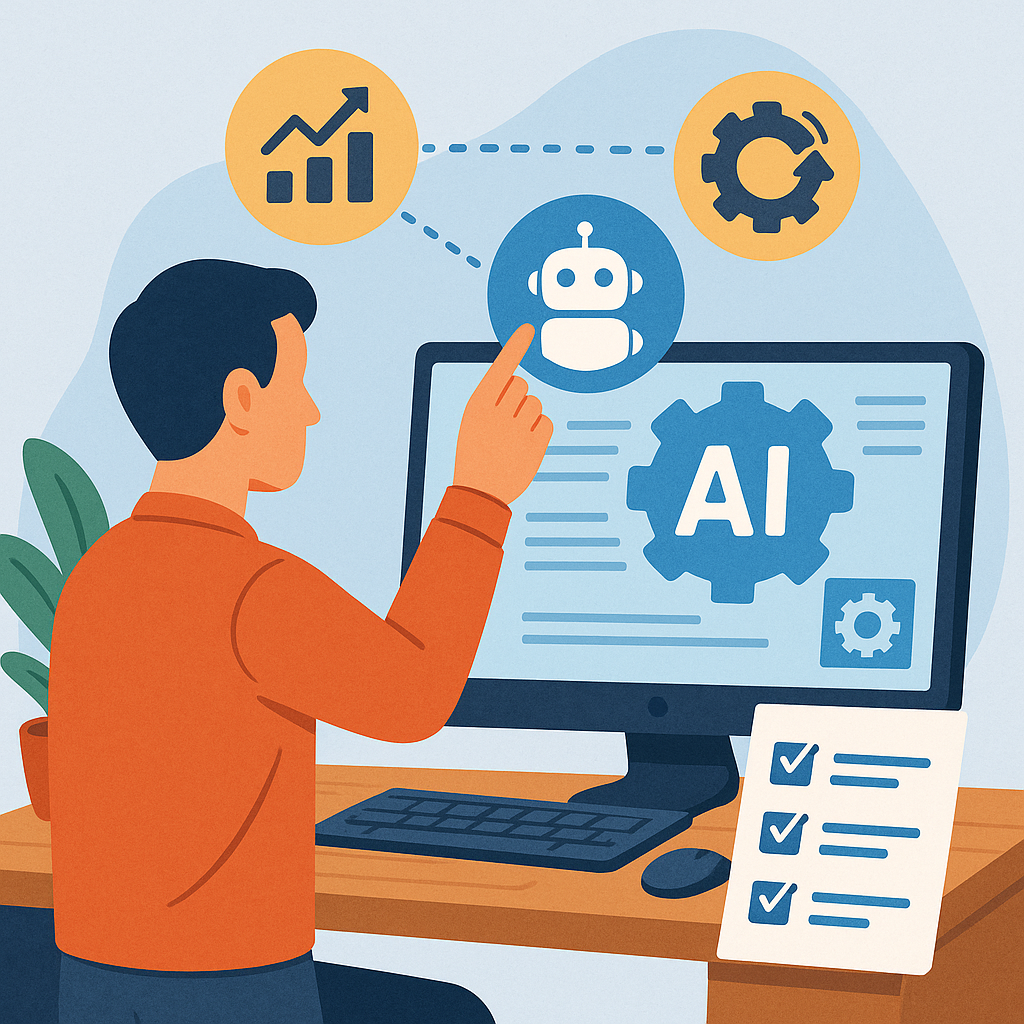
AI tools for small businesses: practical tips and tricks.
Small businesses can benefit from AI without hiring a data science team, and this guide focuses on practical tips and tricks to make that happen efficiently and safely. I will cover how to choose tools, how to run small pilots, how to train staff, and how to measure impact in tangible ways. The aim is to help you add automation that reduces repetitive work, improves customer interactions, and frees time for higher-value tasks. Keep the approach iterative and outcome-focused rather than chasing features, and you will get better results with limited budget and capacity.
Start by mapping the specific tasks you want to improve, and be precise about the problem you expect AI to solve. Common targets are customer support triage, invoice processing, lead scoring and content drafting, but not every task benefits from AI equally. For each workflow, note the inputs, expected outputs, and how success will be measured. Consider integration points with existing software, whether you need real-time responses or batch processing, and what data the tool will require. This clarity prevents trial-and-error that wastes time and budget.
Choose tools that match your technical capacity and risk appetite, and prefer systems that can be trialled with no code or low code before committing to custom development. Look for vendors that offer clear data handling policies and the ability to export your data if you change platforms. Consider local regulations for customer data and any industry-specific compliance obligations. Finally, ensure the tools you consider have sensible pricing tiers and predictable cost structures so you can scale without surprises.
- Customer support automation — use AI to sort and categorise tickets and draft suggested replies to speed up response times.
- Document processing — extract structured data from invoices, receipts and contracts to reduce manual entry and errors.
- Marketing and content — generate first drafts of blog posts, social media captions and ad copy to speed up creative workflows.
- Sales support — automate lead scoring and follow-up reminders to ensure timely engagement with prospects.
- Scheduling and admin — let AI suggest meeting times, manage bookings and handle common calendar conflicts.
When you implement a new tool, run a short pilot with clear success criteria and a limited scope to minimise disruption. Define metrics such as time saved, error reduction, number of tickets resolved without human intervention, or conversion uplift in sales follow-ups. Use the pilot to test integration points, train the small team involved, and gather qualitative feedback from staff and customers. If the pilot meets your criteria, plan a phased rollout to the rest of the organisation rather than switching everything at once.
People and process changes matter as much as technology, so allocate time to training and change management. Teach staff what the tool does and what it does not do to avoid overreliance, and create simple escalation paths for cases where AI outputs are uncertain. Maintain a culture of review where employees can flag poor outputs and suggest improvements, and log recurring errors to refine prompts, templates or preprocessing steps. Building this feedback loop turns a static tool into an improving asset for the business.
Control costs by combining free or low-cost tiers with targeted paid features only where they add clear value, and monitor usage to avoid unexpected bills. Where possible, use templated prompts and shared settings rather than bespoke prompts per user to reduce tokens and API calls. Consider open-source alternatives or on-premises options for heavy or sensitive workloads if you have the technical capacity to manage them. Finally, keep a simple governance checklist for procurement and retention policies so you can manage vendor risk without creating bottlenecks.
To stay informed and see practical examples from similar projects, explore the AI and automation tag on this site via the related posts link, which collects articles and case studies that may apply to small businesses, and use those reports to adapt the tips above to your context. For more builds and experiments, visit my main RC projects page.
Comments
Post a Comment