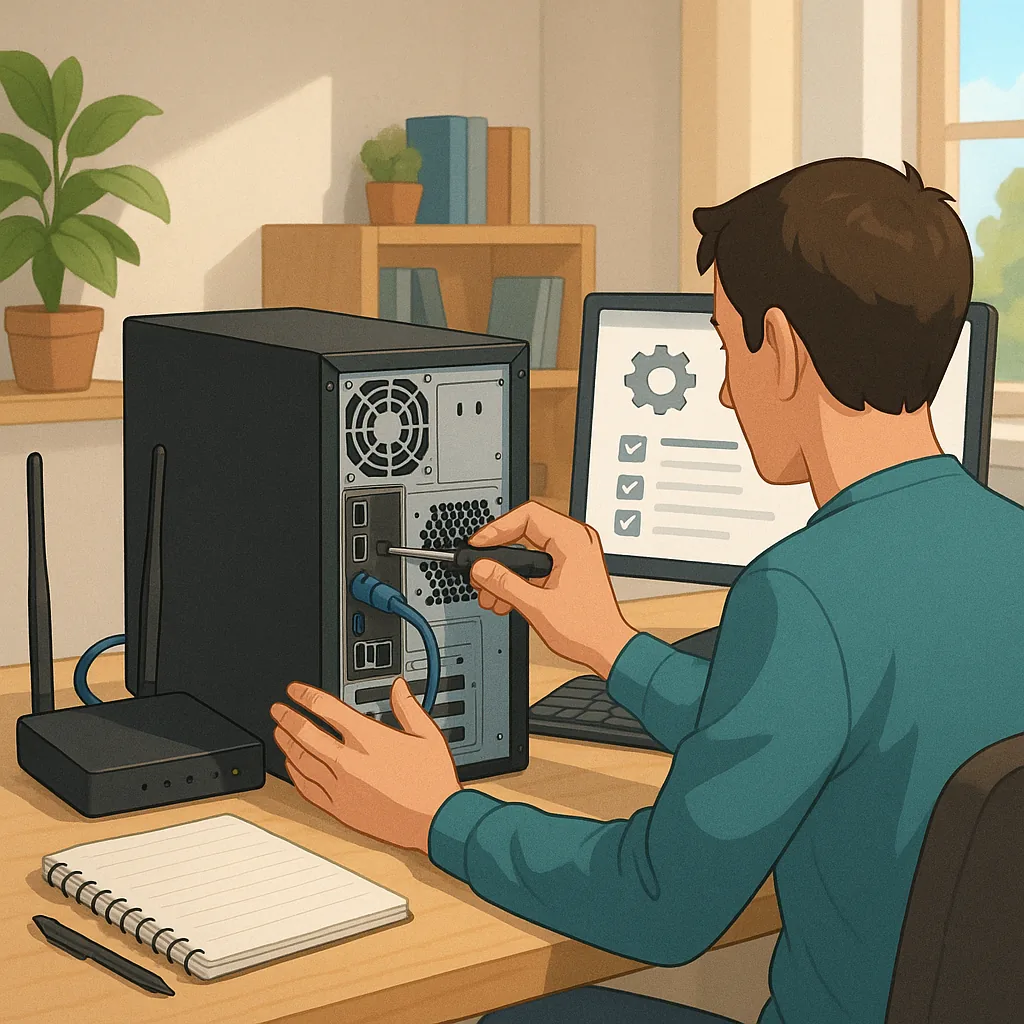
A beginner's guide: how to set up a home server safely
Setting up a home server can be a rewarding way to learn about networking, host personal services and keep control of your data, but safety needs to be the priority from the start. This guide assumes little prior knowledge and focuses on straightforward, practical steps you can follow to reduce risk while you experiment. I will cover hardware and operating system choices, network configuration, safe remote access, service hardening, backups and routine maintenance, all explained in plain language so you can act with confidence.
Start with appropriate hardware and a minimal operating system install to reduce attack surface. A small dedicated device such as a Raspberry Pi, Intel NUC or an old desktop can make a serviceable server, but avoid using your everyday workstation as a server to limit exposure. Choose a stable server OS such as Ubuntu Server or Debian and perform a minimal install without unnecessary graphical components. Create a normal user account for daily tasks and disable direct root login, install only the packages you need and keep the system time and locale configured correctly to avoid confusing logs and certificates.
Configure your network to restrict access to the services that must be reachable and to protect the rest of your home network. Use DHCP reservations or set a static IP for the server so port forwarding rules remain valid. Keep your router firmware updated and use its firewall to block unused ports. For remote access prefer a VPN or an SSH bastion rather than exposing services directly to the internet. Use SSH keys instead of passwords, disable password authentication, change default ports if you like and run a simple intrusion-prevention tool such as fail2ban to block repeated login attempts.
- Enable a host firewall on the server and allow only required ports and services.
- Reserve addresses with DHCP or set a static IP to avoid network surprises.
- Use SSH keys and disable password logins for secure access.
- Prefer VPNs or reverse proxies to minimise open endpoints.
When you install services consider containerisation for isolation and easier updates, while remembering containers are not a replacement for proper configuration. Docker and similar tools help you run single-purpose services with limited privileges, but always map minimal host resources and run containers under non-root users where possible. Use a reverse proxy to expose web services, and secure them with TLS certificates to protect traffic in transit. Avoid running more services than you need, and keep default credentials changed for every application so one compromised component does not lead to a complete breach.
Backups and storage strategy are vital because hardware will fail and accidents happen, and RAID is not a substitute for backups. Keep at least one off-site copy or cloud backup in addition to a local backup, and test restores periodically to ensure data integrity. Encrypt sensitive data at rest if the server could be physically accessed by others, and use a reliable UPS to allow safe shutdowns during power loss. Maintain a simple backup schedule, keep retention long enough to recover from mistakes and document where keys and recovery instructions are stored so you can restore services when needed.
Routine maintenance and monitoring complete a safe setup: automate security updates where safe, monitor logs and service health, and subscribe to relevant security bulletins for the software you run. Keep a small runbook of how services are configured and how to recover them, and check that certificates, DNS entries and ports behave as expected after changes. If you prefer more step-by-step help, see this collection of how-to guides for related walkthroughs on individual services and configurations. For more builds and experiments, visit my main RC projects page.
Comments
Post a Comment