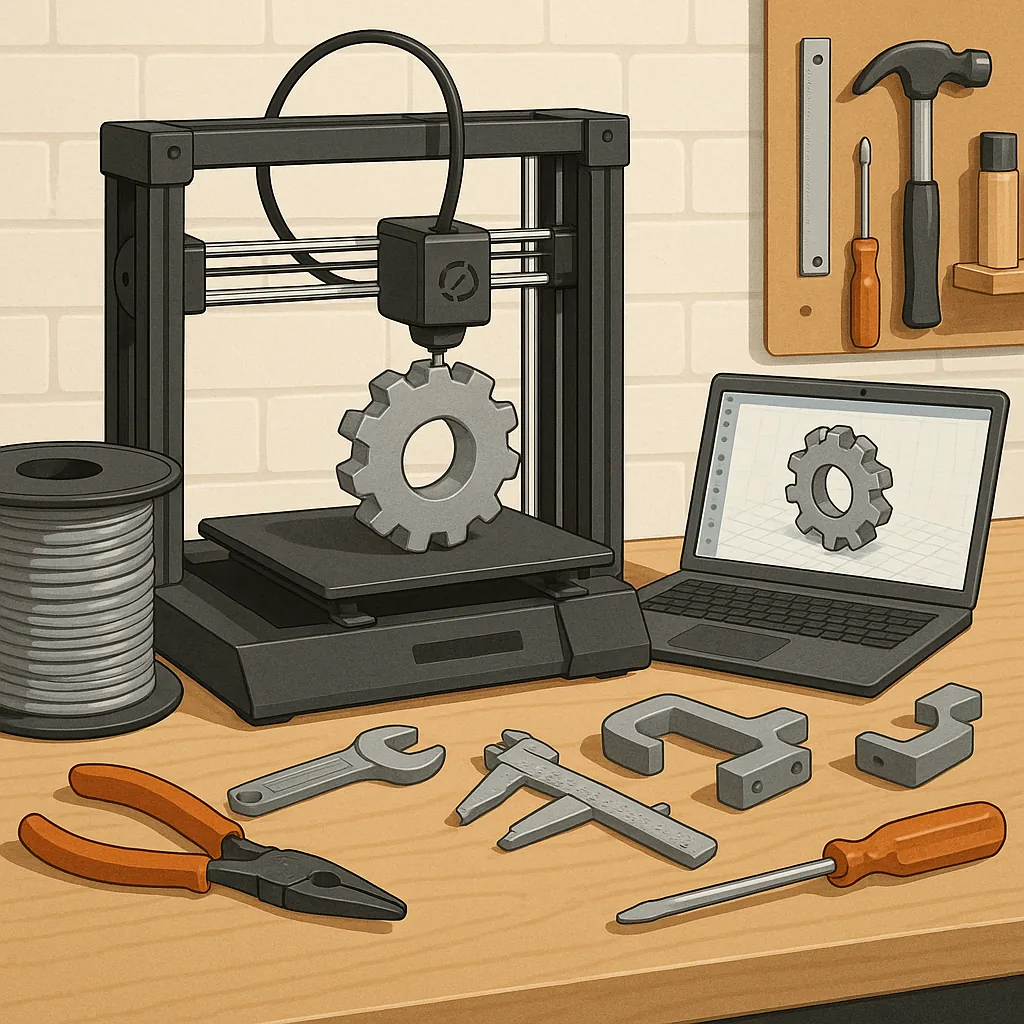
3D printing for functional parts: a beginner's guide
3D printing for functional parts means using additive manufacturing to produce items that must perform reliably under load, heat or repeated use, rather than purely decorative models. For a beginner, that distinction changes the choices you make about materials, printer type, design and finishing. This guide walks through the essentials to help you move from hobby prints to useful components without overwhelming technical detail or expensive tooling.
Start by choosing a printer and material that match the intended function of your part. Entry-level fused filament fabrication printers are perfectly capable for many functional tasks, especially when paired with the right filament and a stable build platform. Consider the work envelope you need, the machine's frame rigidity, and whether features such as a heated bed or enclosed build chamber are included, because these affect warping and layer adhesion for engineering materials.
Common materials available to beginners each have trade-offs, so pick one that aligns with strength, flexibility and temperature resistance requirements.
- PLA is easy to print and dimensionally accurate but is brittle and softens at relatively low temperatures.
- PETG offers better impact resistance and higher temperature tolerance than PLA while remaining user-friendly.
- ABS is tougher and more heat resistant but benefits from an enclosed printer to reduce warping.
- Nylon provides excellent strength and wear resistance but can absorb moisture and may need drying before printing.
- Polycarbonate is very strong and heat resistant but requires higher nozzle temperatures and a controlled environment.
- TPU and other flexible filaments are useful for seals and damping but require slower printing and careful extrusion control.
Design choices matter as much as material selection for functional parts. Think about load paths and how forces will transfer through the printed geometry, and avoid single thin cantilevers unless they are intentionally flexible. Include generous fillets at internal corners to reduce stress concentrations, and design clearance and tolerance for mating parts, remembering that directional strength differs between layer orientations. Orient your print on the build plate to align layers with anticipated stress directions, and add ribs or gussets to increase stiffness without dramatically increasing weight.
Slicer settings are the bridge between digital design and a working part, so learn the key parameters that affect strength and finish. Use thicker outer walls and more perimeters for parts that take load, and favour higher infill percentages and patterns that distribute stress efficiently, such as gyroid or cubic structures. Layer height affects both surface finish and interlayer adhesion; larger layer heights can improve strength along the Z axis in some cases but reduce detail. Pay attention to print temperature, cooling, and slow speeds for strong interlayer bonds, and use brim or raft options if bed adhesion is an issue.
After printing, simple post-processing can significantly improve performance and longevity. Remove supports carefully to avoid damaging load-bearing features, and use sanding or a light solvent smoothing where surface contact is critical. Mechanical fastenings can be improved with heat-set inserts or helicoils for repeated screw cycles, and printed threads often perform better when reinforced by tapping a metal thread into a larger hole. Consider annealing certain materials to relieve internal stresses and increase heat resistance, but test on sacrificial parts first because dimensions can change during heat treatment.
Finally, validate designs with testing and incremental improvements rather than assuming a first print is final. Prototype key features at 100 per cent scale and run simple load or fit tests to discover failure modes, and document settings that worked so you can reproduce successful prints. If you want to explore more projects and community advice as you learn, see our Maker & DIY posts for practical examples and build notes that beginners have found useful. For more builds and experiments, visit my main RC projects page.
Comments
Post a Comment