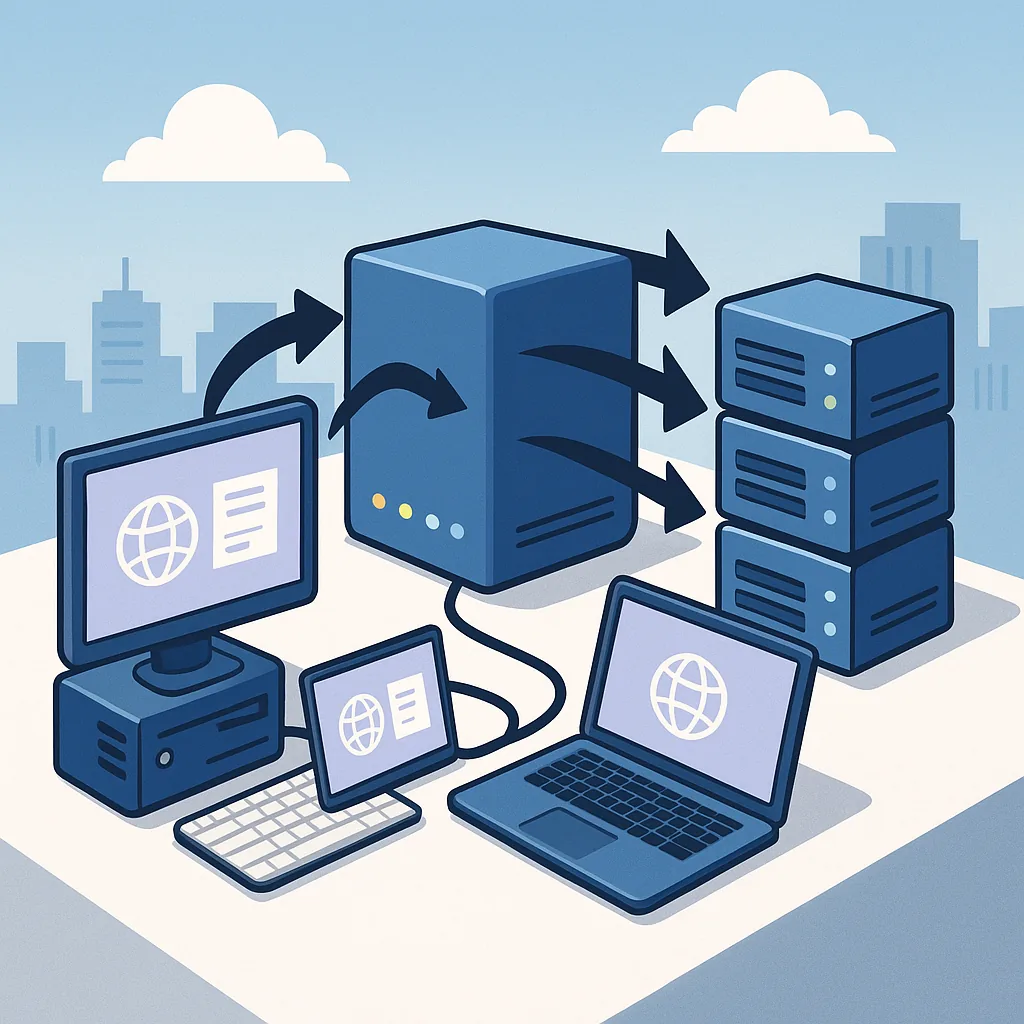
what a reverse proxy is (educational): a practical checklist guide
A reverse proxy sits between clients and one or more backend servers and forwards incoming requests on behalf of those servers, acting as the public-facing endpoint for an application or service. This arrangement centralises access, which makes it easier to apply cross-cutting behaviours such as SSL termination, authentication, logging and caching. A clear understanding of what a reverse proxy does will help you decide whether it belongs in your infrastructure and how to operate it safely and predictably.
At its simplest, a reverse proxy receives HTTP or TCP requests from clients and routes them to the appropriate backend based on rules you define, while keeping the backend addresses private. Typical responsibilities include load balancing across server instances, terminating or offloading TLS so the application doesn’t manage certificates directly, caching static responses to reduce backend load, and providing a place to apply security controls such as request filtering or rate limiting. Thinking of a reverse proxy as a control point for traffic makes planning and troubleshooting more straightforward.
Before you install or configure a reverse proxy, set clear objectives so your checklist remains focussed and measurable. Decide whether you need it primarily for performance, security, or operational simplicity, and whether it must support HTTP/2, WebSocket or HTTP/3. Consider the scale of traffic, expected concurrency and failure modes so capacity and high-availability requirements are known in advance. These choices will guide selection of software, configuration style and the deployment pattern for primary and fallback proxies.
- Define the primary goals: performance, security, observability or protocol translation.
- Choose a reverse proxy solution that fits those goals and your operational model.
- Plan capacity, redundancy and failover behaviour for the reverse proxy layer.
- Design TLS handling and certificate management approach, including automation for renewal.
- Create routing and health-check rules to avoid sending traffic to unhealthy backends.
- Decide on caching policies and cache invalidation mechanics for dynamic content.
- Implement access control and rate limits to protect backends from abuse and spikes.
- Integrate logging, metrics and alerting; test and rehearse rollback procedures.
When you pick a product or project as your reverse proxy, check feature coverage against your list of needs rather than chasing popularity alone. Some tools are stronger at load balancing and throughput, others emphasise dynamic service discovery and integration with orchestration platforms, while some provide built-in web application firewall capabilities. Confirm support for required protocols, ease of configuration management, and the availability of maintenance releases and security patches to keep your infrastructure resilient over time.
Operational details matter once the reverse proxy is running in production, so use a short checklist for day-to-day operations. Keep TLS keys and certificates secure and automate renewal to avoid outages. Configure health checks with sensible timeouts and failure thresholds so the proxy can remove failing backends quickly without causing instability. Centralise logs and metrics for the proxy layer so you can correlate client behaviour with backend performance and spot misconfigurations early.
Monitoring, testing and documentation complete the checklist and reduce the chance of surprises. Record the routing rules, cache policies and any bypasses used for diagnostics so engineers can reproduce behaviours during incidents. Run load and failover tests before relying on a proxy for critical traffic to confirm latency, throughput and recovery characteristics. For additional Infrastructure articles and deeper context on deployment patterns see the Infrastructure tag on this blog for related material. For more builds and experiments, visit my main RC projects page.
Comments
Post a Comment