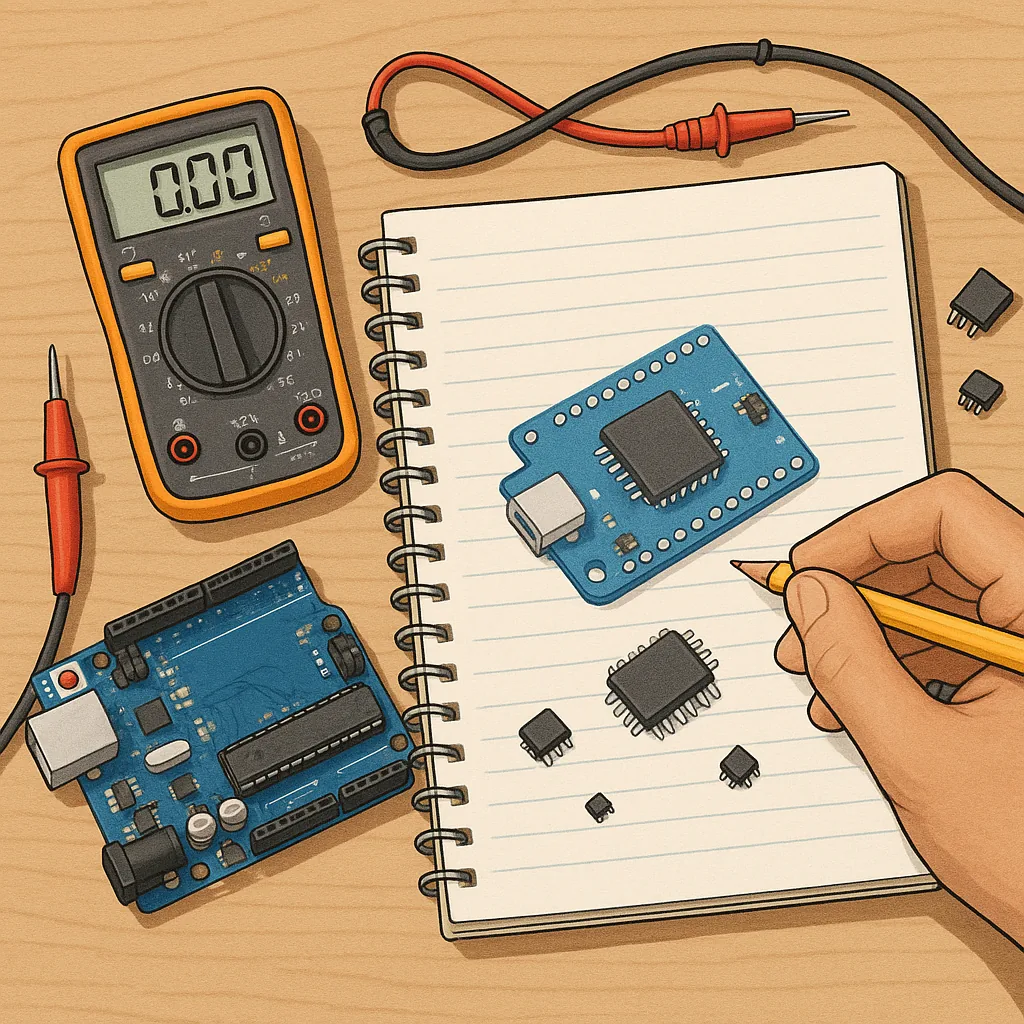
Troubleshooting: how to choose the right microcontroller for your project
Choosing a microcontroller can feel like guesswork when a prototype fails to behave as expected, so this troubleshooting guide focuses on diagnosing whether the microcontroller itself is the problem and how to move from symptom to solution. The aim is not to recommend a single part but to give a repeatable checklist and practical tests that reveal whether the MCU selection is appropriate for your needs or whether you should rethink the choice before committing to production. This approach saves time, reduces redesign risk and helps you justify changes to stakeholders with measured evidence.
Begin with simple triage: list the symptoms and check whether they point to hardware, firmware or system-level mismatch. Typical symptoms of a wrong MCU choice include frequent brown-outs or resets, marginal analog readings, peripherals that cannot be supported or too-slow response times under load. If the device runs simple sketches but fails under full firmware, the issue often lies with memory, stack usage or peripheral contention rather than the MCU’s core performance. If it fails even on a blink test, suspect power, clock or package pin mapping issues.
Perform quick hardware checks to eliminate wiring and power faults that masquerade as bad device selection. Verify the supply voltage with the MCU under typical load, confirm decoupling capacitors and regulator behaviour, inspect the oscillator or internal clock configuration, and check reset and brown-out settings. Confirm that the chosen package exposes the pins you need and that any voltage level translators are correctly sized for I/O speeds. If you use external sensors or communications transceivers, isolate the MCU and test those peripherals independently to ensure the issue is not a peripheral mismatch.
- Power: measure VCC under idle and active states to check for droop and brown-out triggers.
- Clock: substitute a known-good crystal or switch to an internal oscillator to test stability.
- Pin mapping: run a simple LED blink on each suspect pin to verify physical routing and alternate function conflicts.
- Bootloader and reset: ensure bootloader settings and boot pins are correct and not blocking startup.
- Minimal firmware: flash a minimal programme that toggles a pin and communicates a heartbeat to isolate firmware complexity.
- Peripheral isolation: disconnect sensors or buses and add them one at a time to find the failing element.
Firmware and toolchain problems are often mistaken for a poor MCU choice, so include these software steps in your troubleshooting. Check compiler optimisation levels and debug information, as aggressive optimisation can expose timing-sensitive bugs or remove necessary memory initialisations. Verify stack and heap usage by disabling buffering and running stress tests, and instrument interrupt handlers to ensure they are short and do not disable essential peripherals. Confirm that DMA, timers and ADC sampling rates are configured within the MCU’s documented limits to avoid overruns or unexpected behaviour.
When the root cause is genuinely the MCU’s capability rather than configuration, evaluate the selection criteria you need to change. Consider memory headroom for code and RTOS needs, the availability and quality of peripherals required by your design, low-power modes and realistic current consumption, available package options for your board layout and long-term supply and lifecycle guarantees. Also factor in the toolchain and debugger support that your team is comfortable with, and whether there is an active community or library ecosystem that reduces development time and risk.
Decide whether to adapt the design or upgrade the MCU based on measured evidence: document the failing tests, the load and timing measurements, and the resources that were insufficient. If an upgrade is necessary, pick a device with modest extra margin rather than a vastly different architecture to avoid a steep learning curve and new toolchain issues. For step-by-step project examples and other practical how-to content that complements this troubleshooting approach, see the collection of guides on the site and use them to check off the next actions in your evaluation process, including recommended test cases and reference schematics that mirror common production problems at scale. For more builds and experiments, visit my main RC projects page.
Comments
Post a Comment