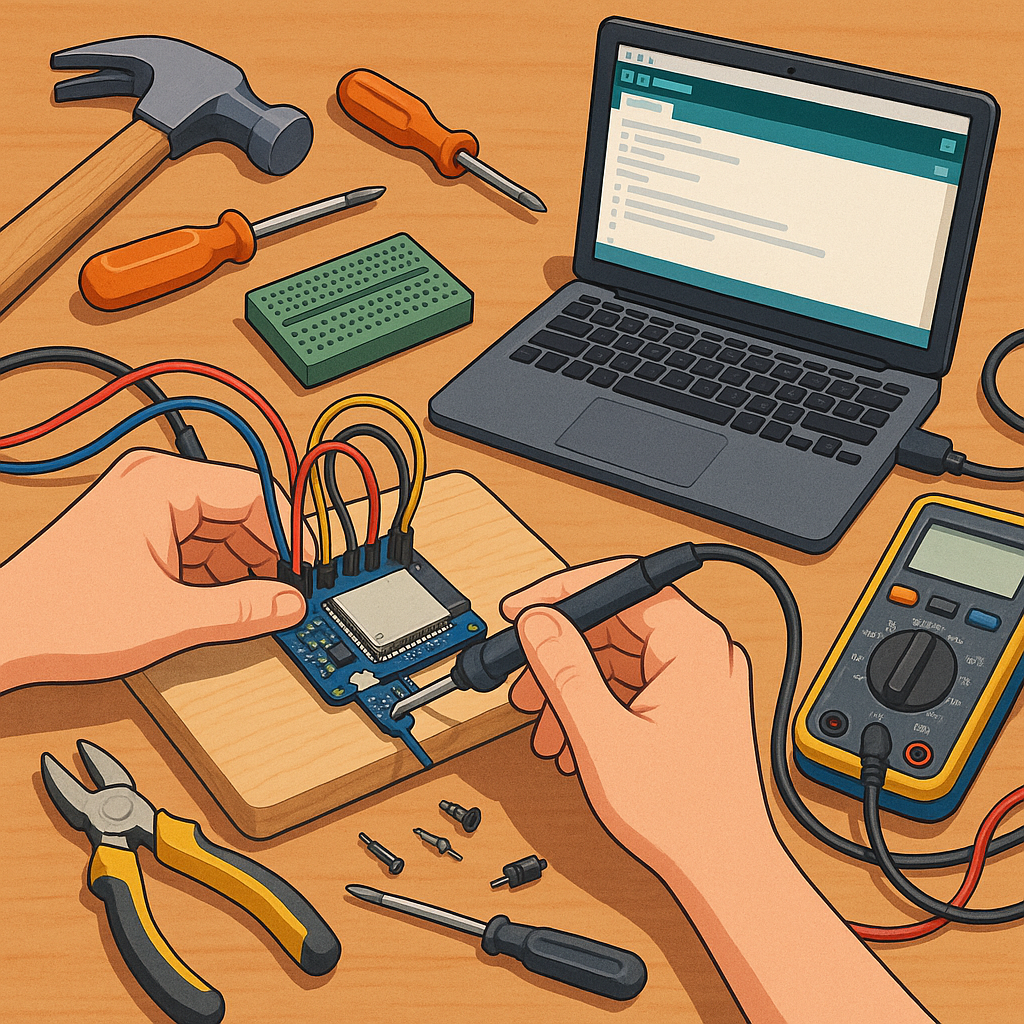
ESP32 beginner projects: a troubleshooting guide
This guide aims to help anyone starting with ESP32 beginner projects who encounters common faults during assembly, flashing and runtime. It assumes a basic familiarity with the Arduino IDE or the ESP-IDF environment and concentrates on practical checks you can make before asking for help. Each section covers a typical symptom, likely causes and straightforward fixes so you can get a project moving without unnecessary frustration.
Hardware problems are the most frequent cause of failures in first projects and they are usually easy to diagnose. Start with the USB cable because many inexpensive cables are power-only and will not carry data. Swap the cable for a known good one and try different USB ports on the computer, ideally a port on the motherboard rather than a front panel hub. Check the board selection in your development environment and make sure the correct COM or serial port appears when the board is connected. Inspect solder joints, headers and jumper settings for miswires or loose pins, and ensure the board receives a stable 5V or 3.3V supply as appropriate for your module.
Flashing failures often present with cryptic errors about write failures or timeouts and frequently relate to wrong boot modes or driver issues. If the upload stalls, hold down the BOOT button (if fitted) while clicking upload, or press the EN/RESET button immediately after starting the flash sequence to force the chip into flashing mode. On Windows check that the CP210x or CH340 drivers are installed when your board uses those chips, and on Mac or Linux confirm permissions for the serial device. If protobuf or esptool errors appear, update the board package or the esptool utility in your environment and try a lower baud rate for flashing to improve reliability.
The serial monitor is your primary debugging tool and it can reveal boot messages, panic traces and brownout warnings that explain why a sketch does not run. Always match the baud rate in the monitor to that used by the bootloader and your code, commonly 115200 or 74880 for early boot output. If the monitor shows repeated "Brownout detector was triggered" messages, the supply voltage or current is insufficient and you should move to a separate regulated supply or add a larger decoupling capacitor near the VIN pin. If logs are garbled, try different serial terminals and ensure no other application is holding the port open.
Network problems arise when Wi-Fi or Bluetooth features do not connect as expected and are often the result of configuration rather than hardware failure. Verify SSID and password strings in your code, remembering that extra whitespace or non-printable characters can be introduced when copying credentials. Check the router's client limit and security mode; legacy WEP is unsupported and some routers default to a country code that affects channel availability. If the ESP32 connects but then drops repeatedly, look for power dips during radio activity or interference on the 2.4 GHz band, and set the Wi-Fi transmission power lower for testing if overheating or instability occurs.
Peripheral and sensor issues are typically wiring, logic-level or software problems and can be tracked with a small checklist for pins and readings. Confirm that any external sensors share a common ground with the ESP32, use the correct logic levels or a level shifter where needed, and avoid using the strapping pins for arbitrary inputs at boot. Remember that ADC readings on the ESP32 require attention to attenuation settings and reference voltage, and that some pins do not tolerate input at reset time or when powering up.
- Quick checklist: change USB cable, try another port, check board type and port, hold BOOT during flash, confirm serial baud, test with separate power supply, verify wiring and common ground, and update board packages.
If you have tried these steps and still have a problem, collect the boot log from the serial monitor, note the exact board revision and the sequence of actions that reproduce the fault, and search or ask with those details to get faster help. For more project ideas and practical write-ups on troubleshooting hardware and code, take a look at the posts on the Build & Automate Maker & DIY label which include step-by-step examples and failure analyses to help you learn by doing. For more builds and experiments, visit my main RC projects page.
Comments
Post a Comment