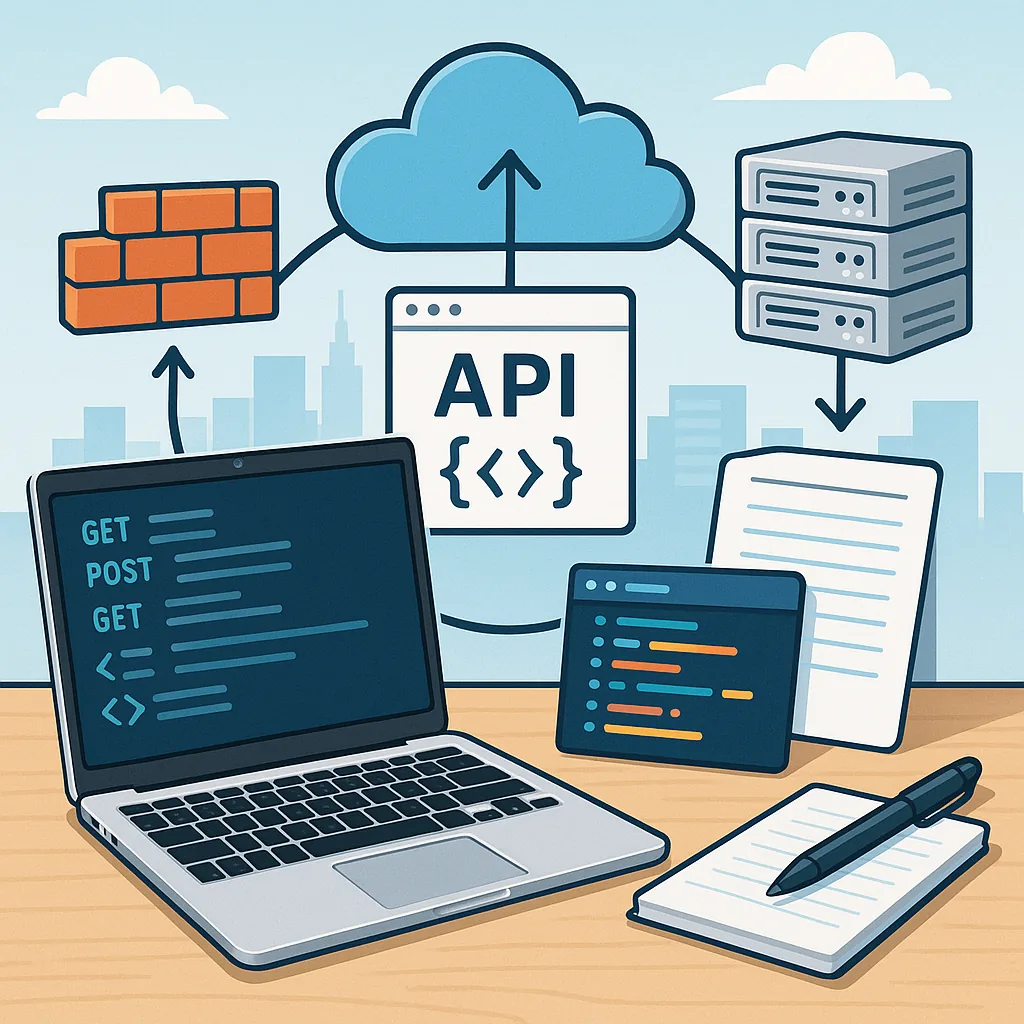
API basics for beginners: a practical step-by-step tutorial
This tutorial introduces API basics for beginners with a hands-on, step-by-step approach that you can follow on a laptop or cloud shell. It assumes no prior experience beyond basic command-line use and a text editor, and it focuses on common RESTful HTTP APIs that you will find in infrastructure tooling and services.
Begin by understanding what an API is in practical terms: an application programming interface is a set of rules that lets two programmes exchange information. For web APIs the rules are expressed over HTTP so you will see concepts such as requests, responses, endpoints and formats like JSON. Think of an API as a waiter in a restaurant: you make a request, the waiter passes it to the kitchen, and you receive a response containing what you asked for.
Core concepts you will meet repeatedly are resources, endpoints, methods and status codes. A resource is the data object you work with, such as a user or a server. An endpoint is the URL path that identifies that resource. Methods are the HTTP verbs — GET to read, POST to create, PUT or PATCH to update, and DELETE to remove. Status codes indicate outcome: 200-level codes mean success, 400-level codes show client errors and 500-level codes show server errors.
Before you start sending requests, prepare a small checklist: a command-line tool such as curl, a simple JSON document for any request body, and a way to view responses such as a terminal or a file. This checklist will help you keep the steps repeatable when you test multiple endpoints or share commands with colleagues.
- Step 1: Identify the endpoint and the method you need to use.
- Step 2: Decide whether the request needs headers, for example Content-Type: application/json or an API token in an Authorization header.
- Step 3: Craft the request body when creating or updating resources, ensuring valid JSON format.
- Step 4: Send the request and inspect the full response including headers and body.
- Step 5: Handle common status codes and errors, then iterate on the request if necessary.
Now try a practical GET request example using curl, adapted to the API you are allowed to access. Use the -i flag to include headers and the -H flag to set an Accept header so the server returns JSON where supported. An example command might be curl -i -H "Accept: application/json" -X GET api.example.com/items. Replace the host and path with the endpoint for the service you are working with and run it from a terminal to see headers and body together.
For creating resources, POST requests require a body and a Content-Type header. Use a JSON file to avoid quoting problems on the command line, for example curl -i -H "Content-Type: application/json" -X POST -d @new-item.json api.example.com/items. If the API requires authentication, include an Authorization header with the appropriate token or bearer value. Keep credentials out of version control and use environment variables or a credential manager to store tokens securely.
When a request fails, inspect the status code and response body to find actionable information. For example a 400 Bad Request often indicates malformed JSON or an invalid parameter, while 401 Unauthorized means your token is missing or incorrect, and 403 Forbidden means you are authenticated but not permitted to perform that action. Log the full response during testing and write small scripts to retry idempotent operations when appropriate. If you want to explore more infrastructure-oriented guides and similar tutorials on the blog, see the collection of posts about Infrastructure topics for practical follow-up material. For more builds and experiments, visit my main RC projects page.
Comments
Post a Comment