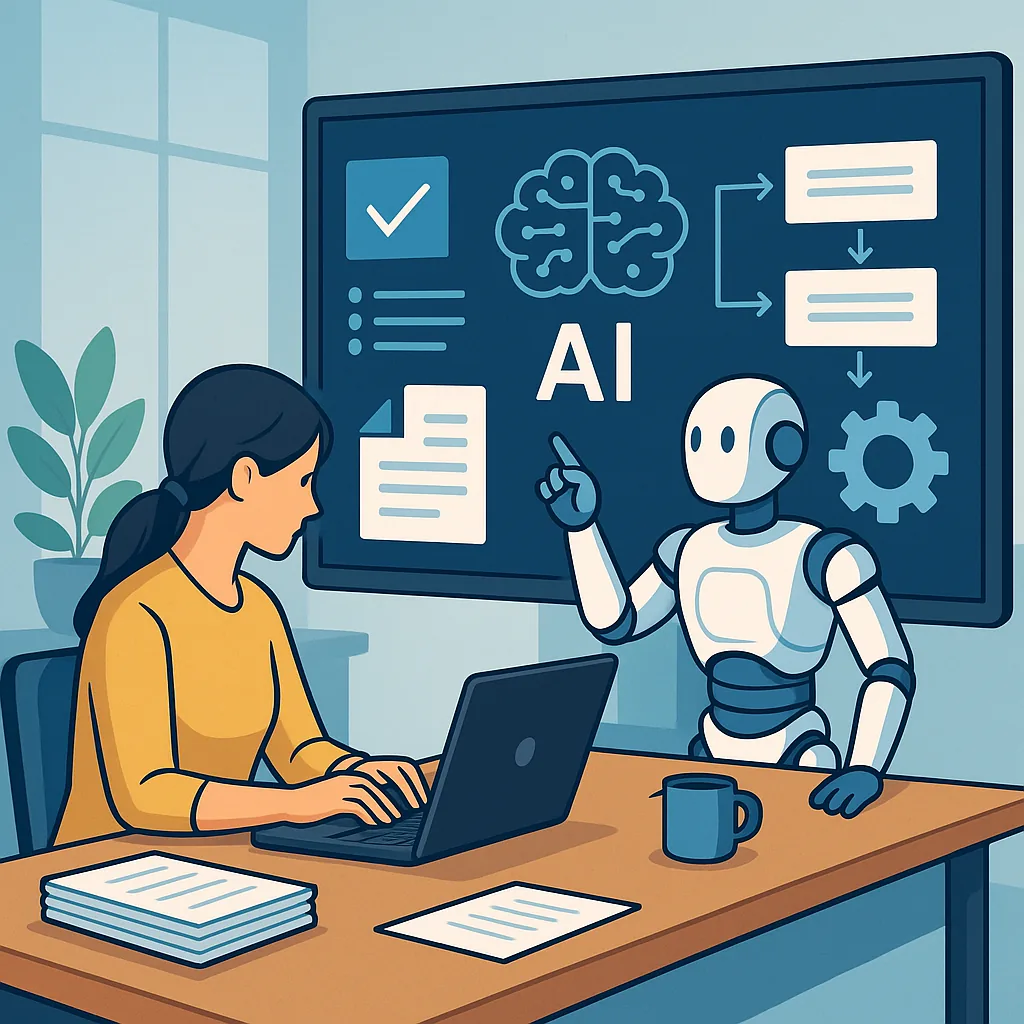
automating admin tasks with AI: a beginner's guide for small teams
Admin work can quietly consume large parts of the working week, especially for small teams and sole operators, and automating admin tasks with AI offers a practical way to reclaim time and reduce error rates. This guide assumes no prior experience with automation or artificial intelligence and aims to explain what you can realistically automate, the basic tools available, and the simple steps to get started with confidence and safety. The focus is on approachable, low‑risk automation that improves day‑to‑day reliability rather than dramatic, risky overhauls of core systems.
There are three clear benefits to start with when you consider automation paired with AI: time savings, consistency and improved data quality. Automating repetitive steps like sending routine emails, formatting reports or extracting key information from documents frees people to do higher‑value work. AI adds value by handling language tasks such as summarising meeting notes, extracting entities from invoices or drafting first‑pass replies. The financial payback is often visible in the first few months when you measure reduced task hours and fewer corrective actions.
Common admin tasks that are suitable for beginners to automate include a few repeatable, well‑defined processes that do not require complex judgement at launch. Examples to consider are.
- Converting meeting transcripts into concise action points and assigning owners.
- Extracting invoice data such as supplier name, date and total for bookkeeping import.
- Filing and tagging incoming emails based on content and sender rules.
- Generating routine reports from spreadsheets and emailing them to stakeholders.
- Creating calendar events and sending reminder messages for recurring tasks.
For beginners there are several accessible tools that combine automation workflows with simple AI features, and you do not need to code to begin. Low‑code platforms such as Zapier, Make and Microsoft Power Automate provide visual builders for triggers and actions, while Google Apps Script is a lightweight option if you are comfortable with small amounts of JavaScript. Many of these services can call AI models for summarisation or classification, and there are specialised add‑ons and templates designed for common admin jobs. When choosing a tool, favour one that integrates with the apps you already use and offers clear logs for troubleshooting.
Choosing what to automate first is a small project in itself and should be guided by frequency, effort and risk. Start by listing the tasks that take the most time or that are prone to human error, then pick a single, contained process to automate and measure a baseline for the current time spent. Plan a simple workflow with clear inputs and outputs, define who will oversee the automation, and decide on fallback steps for when the automation cannot complete a task. Keep the initial scope narrow so you can test, learn and expand confidently.
A straightforward example to try is automating meeting follow‑ups: set the trigger as a meeting ending or the presence of a transcript file, call an AI summariser to extract decisions and action points, create or update tasks in your project tool, and send a templated email to attendees with the summary and assigned owners. The implementation steps are to map the trigger, configure the AI prompt or model parameters for concise summaries, map extracted fields to your task manager, test with a few meetings, and add simple error handling such as fallback notifications to a responsible person if the AI confidence is low. Iterate the prompt and mappings based on real outcomes.
Finally, keep best practices in mind: do not feed confidential personal data to third parties without checking privacy terms, maintain human oversight for decisions with real consequences, log actions and build simple undo options, and measure the automation’s impact so you can justify scaling it. If you want more examples and in‑depth posts about getting started with AI and automation, see the AI Automation tag on Build & Automate at the tag page. End small, monitor results and expand the scope as your team gains confidence and the benefits become clear. For more builds and experiments, visit my main RC projects page.
Comments
Post a Comment