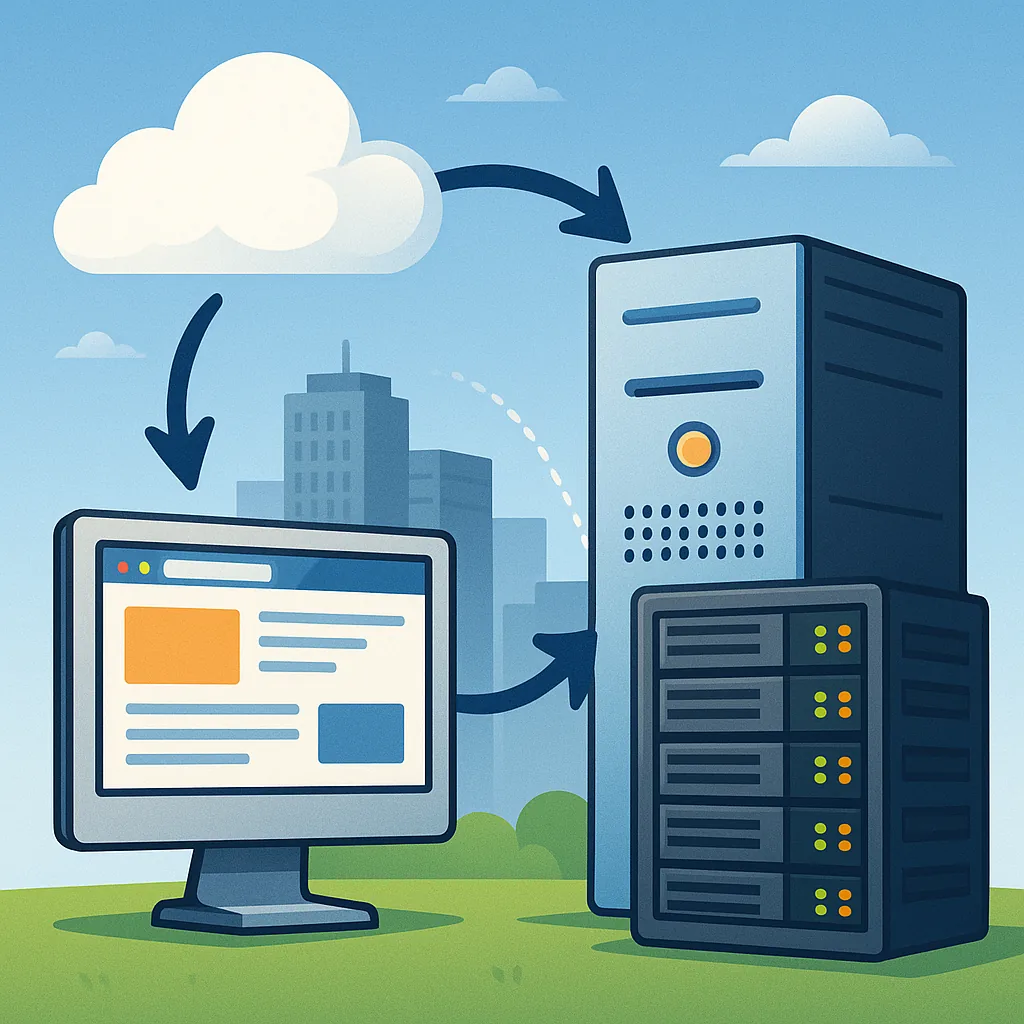
A beginner's guide to basic hosting types and tradeoffs
Choosing hosting for a website or application is one of the first infrastructure decisions a beginner will face, and understanding the basic hosting types and tradeoffs makes that choice easier to rationalise. Hosting simply means placing your site or service on a server that is reachable from the internet, but servers and services differ in how they allocate resources, who manages them, and how they scale. This guide outlines the common options, the practical tradeoffs you should expect, and the typical use cases that suit each model so you can match a choice to your needs rather than picking by marketing alone.
Shared hosting is the most affordable starting point and is often sold to beginners or small personal sites where cost is the primary concern. Multiple customers share the same server and its resources such as CPU, memory, storage and network bandwidth, which keeps costs down but introduces noisy neighbour risks and limited configurability. Shared hosting usually includes a control panel and one-click installers for common content management systems, making it easy to get started, but it is not suitable for high-traffic sites, specialised software stacks or strict security and compliance needs.
Virtual Private Servers, or VPS, sit between shared hosting and dedicated servers by partitioning a single physical server into multiple virtual machines with dedicated resource allocations. A VPS gives you more control and predictable performance compared with shared hosting, and you can usually choose an operating system and install custom software, which makes it attractive for developers and small businesses that expect growth. Dedicated servers provide the entire machine to one tenant, offering maximum performance and isolation, but they are more expensive and require more hands-on administration, including patching, backups and monitoring.
Cloud hosting has reshaped expectations about scaling, billing and redundancy by offering on-demand virtualised resources across multiple physical machines. Platforms commonly billed by the hour or minute allow you to scale resources up and down quickly and benefit from built-in redundancy and managed networking. The tradeoffs include variable cost if you do not manage usage carefully, a learning curve for the platform's APIs and tools, and potential vendor lock-in if you adopt platform-specific services. For many projects, cloud hosting offers the best balance of agility and resilience once you account for automation and cost-control measures.
- Shared hosting: low cost, low control, simple setup, limited performance.
- VPS: moderate cost, medium control, predictable resources, requires administration.
- Dedicated server: high cost, full control, best performance, high maintenance.
- Cloud hosting: elastic scaling, pay-as-you-go, requires management to control costs.
- Managed hosting and platform services: less operational burden, higher price, varying degrees of customisability.
Managed hosting and platform-as-a-service (PaaS) offerings are useful when operational burden is the limiting factor rather than raw infrastructure cost. Managed providers handle backups, security updates, monitoring and support, which reduces the need for dedicated operations staff and can speed time to production, but this convenience comes at a premium and often removes the ability to customise deep system settings. Static-site hosts and content delivery networks are another class worth mentioning because they can serve simple websites extremely cheaply and quickly, with the added benefit of global distribution that reduces latency for users around the world.
To choose between these options, consider four practical questions: how much traffic you expect and how variable it will be, how much configuration or special software you need, how much time you can spend on administration and what your budget is. Start with the smallest option that meets your functional requirements and allows straightforward upgrades, keep an eye on operational costs and performance, and plan for regular backups and basic security practices regardless of hosting type. For more articles about infrastructure decisions and practical guidance on next steps, see the blog's Infrastructure section for related posts and deeper dives into each model through the internal tag Infrastructure. For more builds and experiments, visit my main RC projects page.
Comments
Post a Comment