3D printing for functional parts: Practical tips and tricks
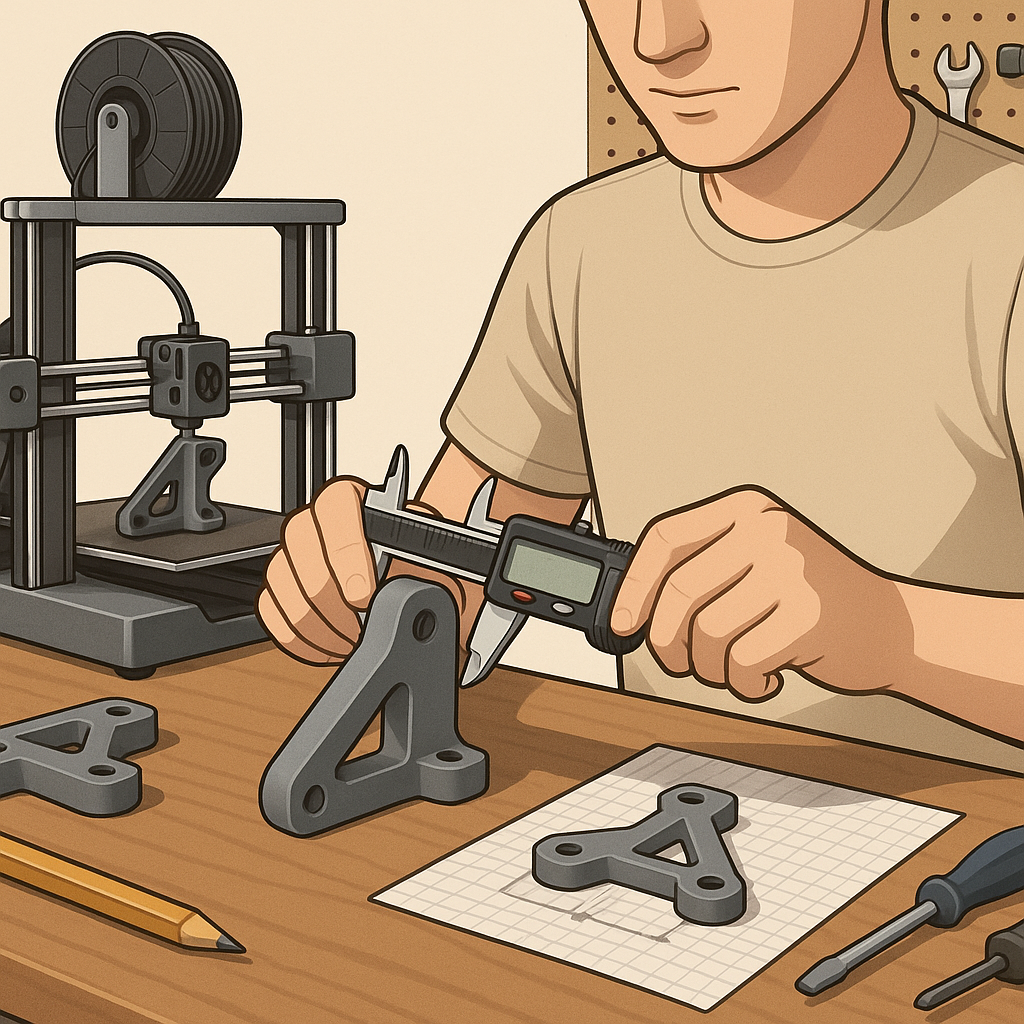
Making functional parts on a desktop 3D printer requires a different mindset from printing decorative models, and this guide focuses on practical advice you can apply immediately to improve strength, fit and repeatability. I cover material choice, design for strength, slicer settings, post‑processing and testing in a way that keeps setups simple and repeatable for hobbyists and small workshops alike. The aim is to help you avoid common failures and to get parts that work reliably in real assemblies.
Choose the right material for the job rather than the easiest filament to print. PLA is dimensionally stable and easy to use but becomes brittle with load and heat, while PETG offers a good balance of toughness and temperature resistance. ABS and polycarbonate are better for higher temperatures and impacts but need good ventilation and a heated chamber to print well. Nylon and carbon‑fibre blends bring excellent toughness and wear resistance but are hygroscopic, so drying filament before printing and storing it in sealed containers are essential. Where chemical resistance or higher temperature performance is required, consider annealing parts or switching to suitable engineering filaments and plan for the extra print difficulty that brings.
Design choices matter more than razor‑fine settings when it comes to functional parts. Orient parts so layers carry load along their strongest axis, and add fillets to reduce stress concentrations at corners. Use ribs and thicker walls to increase stiffness rather than relying on high infill percentages alone. For threaded or press‑fit features, design clearances with the printer and material in mind; holes often need reaming or drilling after printing, and heat‑set inserts are a reliable way to add strong metal threads. Avoid long unsupported overhangs without provision for supports, and design for easy support removal where possible so you do not weaken critical surfaces during post‑processing.
Be deliberate with slicer settings and prioritise a few key parameters that affect strength and fit. Increase wall/perimeter count rather than using very high infill to gain tensile strength, and choose an infill pattern that suits the load direction such as cubic or gyroid for isotropic behaviour. Print at a lower layer height for better surface detail where fit matters, and consider slightly higher extrusion multiplier and slower print speed to improve interlayer bonding. Use a higher nozzle temperature within the filament’s recommended range to encourage stronger layer adhesion, and reduce cooling for materials like ABS and nylon where rapid cooling can cause poor bonding. Essential settings to check include:
- Number of perimeters/shells to control wall strength and print durability.
- Infill percentage and pattern chosen to support internal loads without wasting time.
- Layer height and print speed to balance surface finish and part strength.
- Nozzle and bed temperature to improve adhesion and reduce warping.
- Support type and interface layers to make removal clean and avoid part damage.
Post‑processing can turn a so‑so print into a reliable component. Light sanding and scraping remove stress‑raising surface defects, and sealing with thin layers of epoxy can increase impact resistance and seal porous prints for fluid handling. For load‑bearing or fastened joints, use heat‑set inserts or stainless steel threaded inserts rather than relying on printed threads, and consider bonding inserts in place with a little epoxy for high vibration environments. For parts that will see sustained heat or chemical exposure, solvent smoothing or annealing can improve surface finish and thermal resistance, but follow safety guidance and test samples first to understand how the material behaves. For more builds and experiments, visit my main RC projects page.
Finally, test early and iterate quickly. Print small test coupons to evaluate orientation, infill and shell combinations before committing to full parts. Carry out basic destructive tests to understand failure modes and tweak designs accordingly, and record what works so you build a library of reliable settings for each filament and part type. Keep the printer well maintained with regular bed levelling, nozzle checks and filament storage to avoid print variability. For more project ideas and practical build notes that fit this workflow, see the Maker & DIY label on this site at Build & Automate’s Maker & DIY posts.
Comments
Post a Comment