how to plan a simple automation workflow — a beginner's guide
Automation can feel daunting for someone starting out, but a simple, well-planned workflow reduces repetitive work and the chance of mistakes. In this guide I explain straightforward steps to move from a manual task to a reliable automation that you can manage and improve over time. The aim is practical: choose one small repeatable process, understand it clearly, and turn it into a lightweight workflow you can test and maintain. This approach builds confidence and avoids the common trap of automating too much too quickly.
Begin by defining the scope and the success criteria for your automation. Decide precisely what you want the automation to achieve, why it matters, and what constraints apply, such as time, data privacy or available tools. List the inputs the workflow needs and the expected outputs so you can measure success. Set simple acceptance criteria, for example that a task is completed without manual intervention in at least 90 per cent of cases or that it saves a fixed amount of time per week. Clear scope prevents scope creep and keeps the first version manageable.
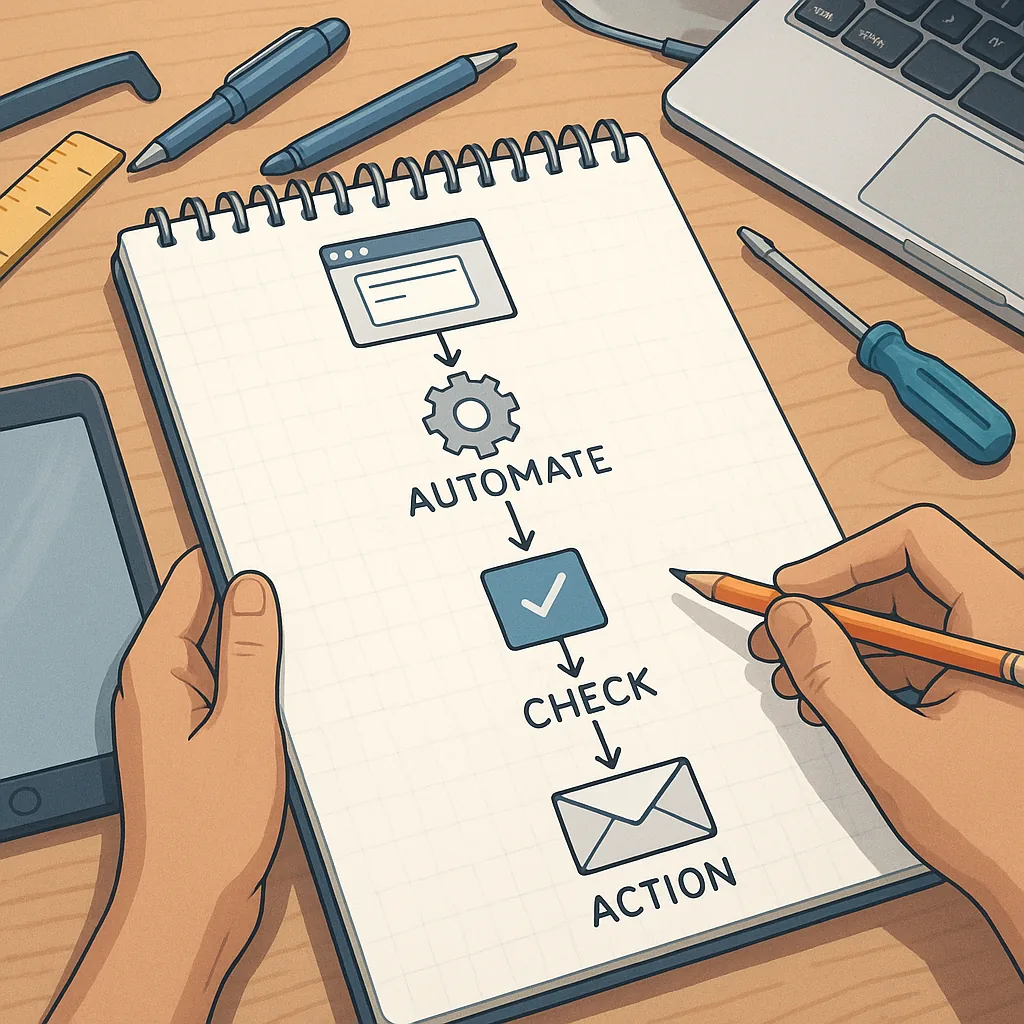
Next, map the existing process step by step so you can spot where automation fits best. Sketch the flow from start to finish and note decision points, exceptions and hand-offs between people or systems. For many beginners the most effective target is a linear process with clear triggers and outputs rather than a process with many conditional branches. A short list of common triggers and actions can help you decide what to automate first.
- Triggers you might use are scheduled times, incoming emails or form submissions, or a change in a spreadsheet or database.
- Actions commonly include sending a notification, creating a record, moving a file, or calling an API to update another system.
- Simple decision checks, such as whether a field is empty or a value exceeds a threshold, support basic branching.
Choose tools that match your comfort level and the task complexity, favouring low-code or no-code platforms for early projects to reduce friction. Consider integrations with systems you already use and check authentication and permissions early so you do not get blocked later. Keep security and data handling in mind: limit access to credentials, avoid exposing sensitive data in logs, and ensure any third-party service meets your organisation's requirements. Simpler tools make it easier to understand the flow and to modify it when requirements change.
Design the workflow with resilience and clarity in mind by including error handling and a way to recover from failures. Add notifications for exceptions so a human can intervene when needed, and plan for retry logic for transient errors such as network timeouts. Document the purpose, the inputs and outputs, and any manual steps required to maintain the automation. Store version notes each time you change the workflow so you can roll back to a previous state if a change introduces unexpected behaviour. Good documentation saves time when handing the workflow to a colleague or revisiting it months later.
Finally, test the workflow in a controlled environment and monitor its performance once it is live. Start with a subset of real data or a pilot group to validate the logic and to observe edge cases, and then expand the scope gradually. Track simple metrics such as completion rate, time saved and number of exceptions, and review these regularly to prioritise improvements. If you would like other practical beginner guides on planning and building automations, see the selection on the How-To Guides label at Build & Automate. Start small, learn from each iteration, and treat automation as an evolving asset rather than a one-off project. For more builds and experiments, visit my main RC projects page.
Comments
Post a Comment