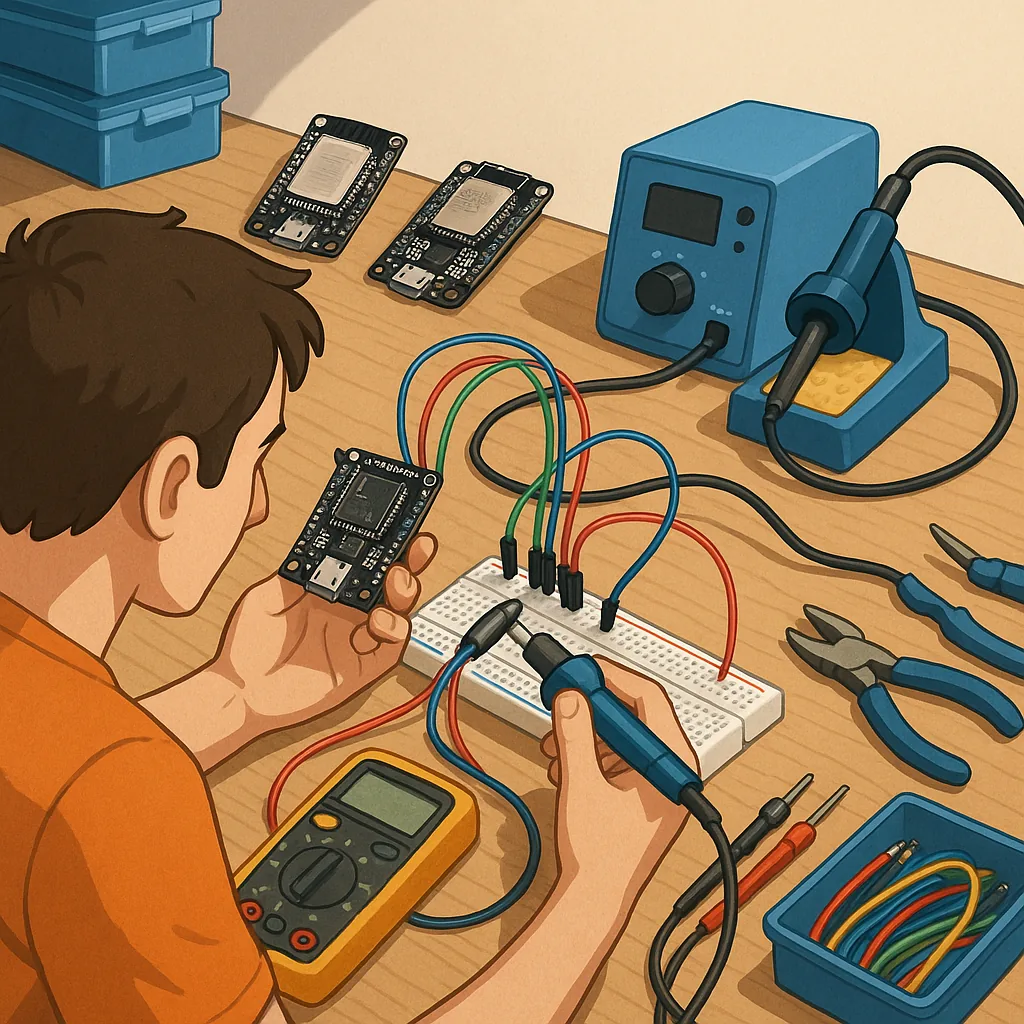
ESP32 beginner projects: practical tips and tricks for starting out
This guide collates practical tips and tricks to help you move from curiosity to working ESP32 beginner projects with minimum frustration and wasted components.
Start by choosing the right board for your needs and understanding power constraints, because many problems stem from mismatched expectations rather than faulty silicon. Most ESP32 modules and development boards use 3.3 volt logic and will be damaged if you apply 5 volts to their GPIO pins, so use level shifters or simple resistor dividers when interfacing with 5 volt devices. Check whether your board uses a WROOM or WROVER module if you need PSRAM for heavier projects, and be aware that some cheap boards omit a regulator or supply a tiny regulator that struggles with long Wi-Fi transmissions from battery power.
Set up your development environment with a clear plan for the language and toolchain you intend to use, because switching mid-project wastes time. The Arduino ecosystem gives a gentle introduction with free libraries and example sketches, PlatformIO integrates well with Visual Studio Code for more structured projects, while the native ESP-IDF offers finer control for advanced users. If you prefer interpreted code, MicroPython and CircuitPython are excellent for rapid prototyping, but be mindful that their performance and memory behaviour differ from compiled code. Always confirm the serial port settings for your board and check for required USB drivers if the serial connection does not appear automatically.
Keep these hardware tips close to hand when assembling your first circuits, because small details make the difference between a stable project and a flaky one.
- Use decoupling capacitors near the power pins of the ESP32 to reduce resets during Wi-Fi bursts.
- Avoid using pins 6 to 11 which are connected to the module flash chip on many boards, and treat boot-strapping pins like GPIO0, GPIO2 and GPIO15 with caution.
- Include pull-up or pull-down resistors where recommended and do not rely on weak internal pulls for important signals.
- Use a dedicated 3.3 volt regulator or a power bank rated for the peak current if you plan to use Wi-Fi frequently.
- When wiring sensors, prefer common-ground wiring and keep sensor signal lines short to reduce noise and interference.
On the software side, cultivate habits that make debugging easier and results reproducible. Use a serial monitor for verbose logging and include meaningful log levels so you can enable detailed output when diagnosing a fault and silence it in normal operation. Avoid long blocking delays in code that handles Wi-Fi or user interaction and consider asynchronous libraries or FreeRTOS tasks for concurrent activities. Implement basic error handling for Wi-Fi reconnection and sensor read failures, and test how your firmware behaves when a peripheral is absent or returns unexpected data.
Practical testing and safety checks will save you time and components as you move from breadboard proofs of concept to permanent projects. Measure current draw during Wi-Fi transmissions to size batteries and regulators correctly, and verify that any enclosure you use allows adequate cooling and antenna clearance for reliable radio performance. When you are ready to expand, try small, focused projects such as a low-power temperature logger with deep sleep, a simple web server to display sensor readings, or an MQTT publisher to send data to a local broker. For more ideas and community-contributed projects that fit the Maker & DIY category take a look at our Maker & DIY tag on the blog at https://build-automate.blogspot.com/search/label/Maker-DIY. For more builds and experiments, visit my main RC projects page.
Comments
Post a Comment