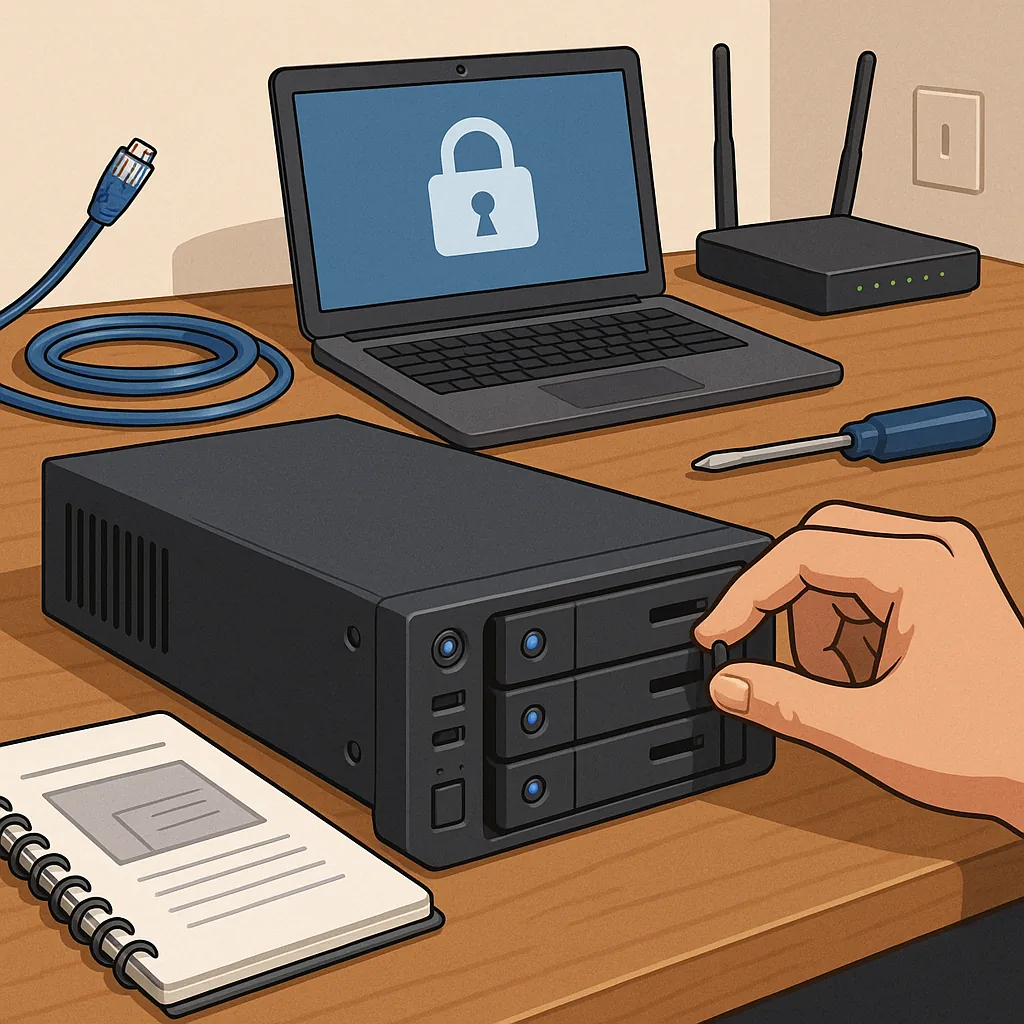
A beginner's guide on how to set up a home server safely.
Setting up a home server can be rewarding and useful for centralising backups, media, home automation and small development projects, but it must be done with security in mind from the outset. This guide is written for complete beginners and focuses on practical choices and safe habits rather than deep technical detail, so you can get started with confidence and reduce common risks.
Begin by deciding the server's purpose and scope, because security choices follow from purpose. A media server has different needs from a file server or a home automation hub, and you should avoid running services you do not need. For hardware, you can repurpose an old desktop, buy a small low-power box, or use a single-board computer; consider reliability, storage needs and noise if it will run in living spaces. Keep in mind that a small dedicated device with modest specs is often better than a multi-tasking desktop for learning and isolation.
- Simple hardware checklist: reliable storage, adequate RAM, a quiet case or enclosure, and a stable network connection.
- Optional extras: an uninterruptible power supply (UPS) and a separate physical switch or case for easy maintenance.
Choose an operating system that is well supported and has a large community, because regular security updates are crucial. Many beginners start with a mainstream Linux distribution that offers long-term support, and you can add services one by one to learn how they work. Consider using containerisation or virtual machines to isolate services; solutions such as Docker make it easier to manage dependencies, roll back changes and avoid service conflicts. Whatever you install, configure automatic security updates where possible and reduce the number of exposed services to the bare minimum.
Network configuration is the most important area for safety. Keep your server behind your home router and use a static IP or a DHCP reservation so you can manage port forwards reliably. Avoid exposing services directly to the internet where possible; if you need remote access, prefer a VPN or a reverse proxy with strong authentication rather than opening many ports. For remote shell access, use SSH with key-based authentication and disable password logins, and change default ports only as an additional minor deterrent. A simple firewall and tools that limit repeated login attempts will reduce the risk of brute-force attacks.
Manage users and permissions carefully to reduce the impact of a compromise. Create a non-root administrative user for daily tasks and avoid logging in as root remotely. Assign minimal privileges to service accounts and isolate storage for different purposes so that one compromised service cannot easily access everything else. Regular automated backups are essential; store backups on a separate device or off-site storage and test restores periodically to ensure your recovery plan works. Consider encrypting sensitive data at rest if you store personal or financial information on the server.
Maintenance and monitoring keep a server safe over time, so set up simple checks and alerts. Monitor disk space, CPU temperature and service availability with lightweight tools or scripts, and check logs regularly for unusual activity. Subscribe to relevant update notices for your chosen software and apply firmware updates for your hardware when recommended by the vendor. Combine automated updates for low-risk packages with a routine manual review for critical services to avoid unexpected disruptions.
Before you put a server into regular use, run through a short practical checklist: confirm backups and restores, verify firewall rules, lock down SSH and web services, and test remote access through the method you intend to use. Keep documentation of your configuration and recovery steps so you can reproduce or repair the setup later. For further reading and other starter projects that follow a similar how-to format, see our collection of how-to guides. Start small, learn iteratively and the risk profile of your home server will remain manageable. For more builds and experiments, visit my main RC projects page.
Comments
Post a Comment