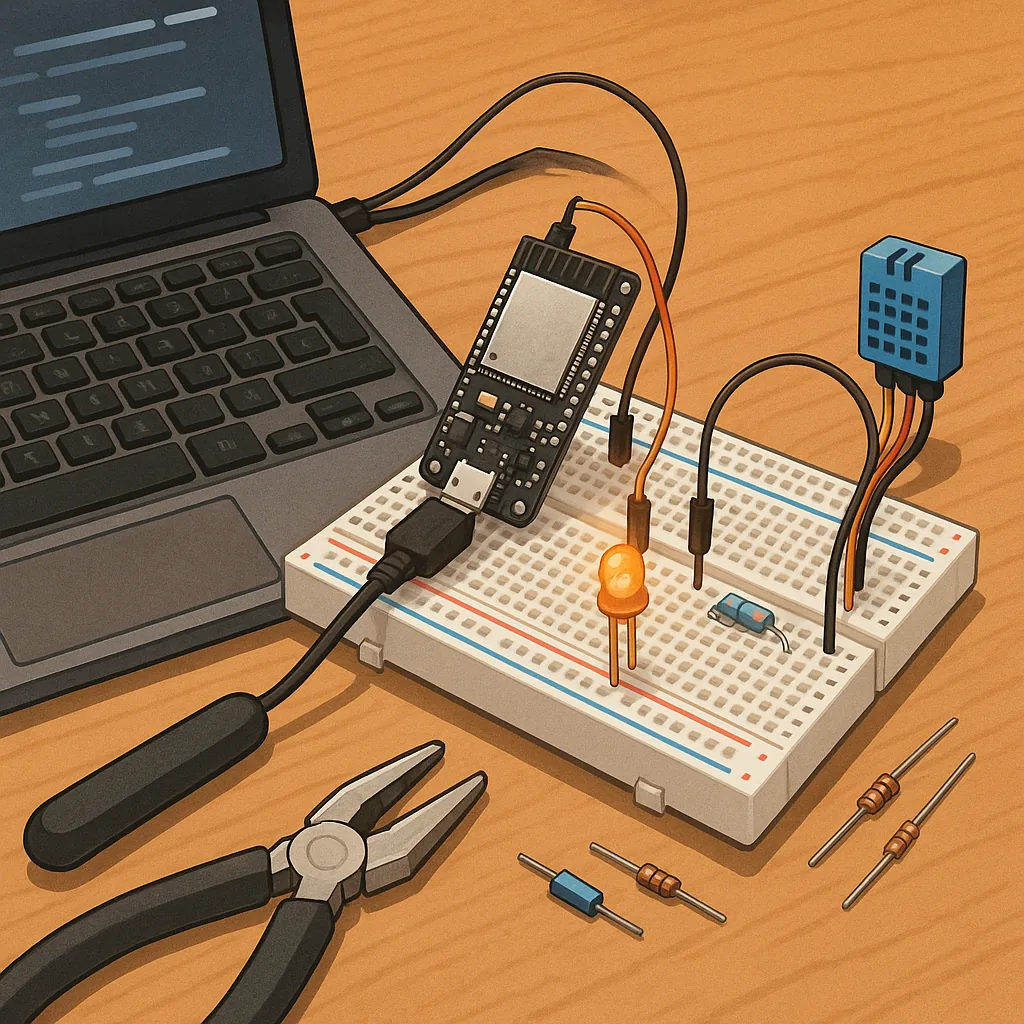
Troubleshooting common issues in ESP32 beginner projects
Getting started with ESP32 beginner projects is rewarding but sometimes baffling when things do not work as expected. This troubleshooting guide focuses on the typical problems newcomers encounter and practical checks you can run quickly. I assume you have a simple project such as an LED blink, a sensor reading or a basic web server, and you want a systematic way to find the fault. Follow these steps calmly rather than changing many things at once, because each change makes it harder to know what fixed the issue.
Start with the basics of power and physical connections because most failures are hardware related. Confirm the USB cable is a data cable and not charge-only, and try a different cable and USB port if the board does not appear on your computer. Ensure the board receives stable 5V from the USB or a regulated supply if you power sensors and actuators. Avoid powering peripherals directly from the 3.3V pin if they draw significant current, because the regulator on small development boards can be overloaded. Check that headers and jumper wires are seated correctly and that there are no short circuits on your breadboard.
If the board does not show up in your serial monitor or the flashing tool refuses to connect, check drivers and serial port selection in your development environment. On Windows you might need a USB-to-UART driver, and on Linux check you have the correct permissions for the serial device. Use the serial monitor at 115200 baud to watch boot messages, and press the EN or BOOT buttons during flashing if your board manual recommends that. If you see error messages during flashing such as failed to connect, try holding the BOOT button as the tool starts, and if problems persist, try a known-good USB port or a powered USB hub.
Boot loops and unexpected resets often point to power instability or incorrect boot-mode wiring. Look at the serial output for messages that mention brownout or watchdog resets, because these show the board is restarting due to voltage sag or a hung task. To remedy brownouts, use a stiffer power supply, add a decoupling capacitor near the 5V to 3.3V regulator, or power high-current modules like Wi-Fi antennas and motors from a separate supply with a common ground. Unplug sensors and modules and run a minimal sketch to confirm the core board is stable before adding peripherals back in one at a time.
Problems with inputs and peripherals often come from using the wrong pins or from bus conflicts on I2C and SPI. Refer to your specific development board documentation to identify pins that are safe to use for digital output, analog input or for PWM, because some pins carry special functions at reset and can interfere with booting if pulled high or low. If a sensor or display causes failure, disconnect it and test the ESP32 with a simple blink sketch. For bus devices check correct pull-up resistors on I2C and ensure address conflicts are not present by scanning the bus with a known-working scanner sketch.
Network and software issues are common once a device is stable in hardware, so verify credentials and listen to serial logs for Wi-Fi connection attempts and IP acquisition. If the ESP32 fails to connect to your router, check that the router is accepting connections on the band and that any MAC filtering is disabled for testing. Beware of long watchdog blocking routines in your code that can make the device seem unresponsive even when connected. When debugging, add logging statements, use short timeouts and watchdog yields, and simplify code to isolate the problem to the network, the sensor code, or the main application logic. For more example projects and tips in the same category see the Maker & DIY label on Build & Automate. For more builds and experiments, visit my main RC projects page.
Comments
Post a Comment