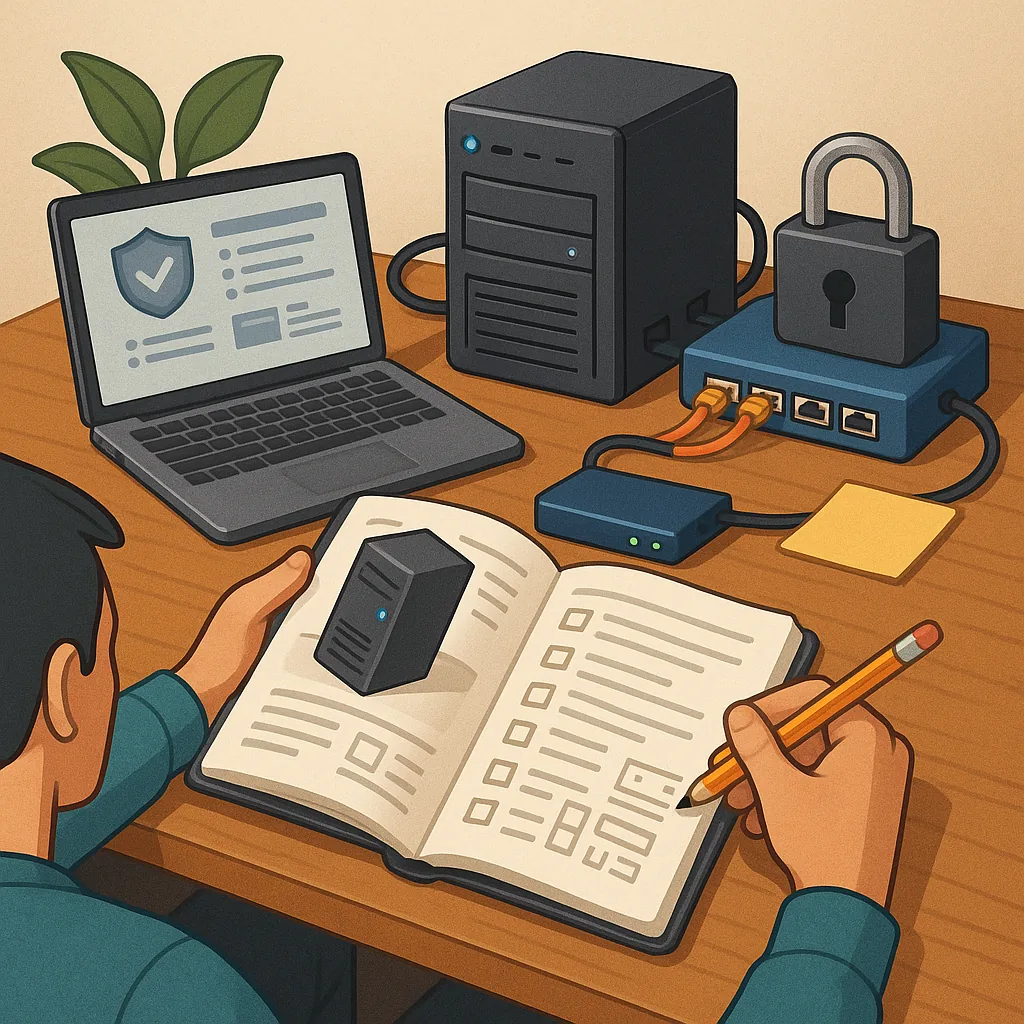
how to set up a home server safely: practical tips and tricks for beginners and power users
Setting up a home server can give you control over backups, media, containers and automation, but doing it safely requires planning from the outset. Treat security as a feature, not an afterthought, and balance convenience against the risk of exposing services to the internet. This guide collects pragmatic tips and tricks that reduce common risks while keeping the server useful for everyday tasks.
Start by defining the role of your server and selecting hardware accordingly. A small energy-efficient machine such as a low-power mini PC or a repurposed desktop is often enough for file storage, media streaming and light containers. If you plan to run multiple services, choose hardware with enough RAM and consider an SSD for the OS plus larger spinning disks or a NAS for bulk storage. Plan for reliable power and an uninterruptible power supply to avoid corruption during outages.
Network design matters more than you might expect. Keep your home server on a separate VLAN or subnet where possible so that devices such as phones and smart TVs cannot directly reach administrative ports. Use your router to control access and avoid exposing services unnecessarily with port forwarding. For remote access, prefer a VPN or a secure reverse proxy rather than opening databases or administrative interfaces to the wider internet.
Choose an operating system and software stack that you can maintain easily. Minimal installations reduce the attack surface, so disable or remove services you do not need. Use system accounts with least privilege, create a dedicated non-root administrative user, and enable SSH key authentication while disabling password logins for remote shell access. Keep the system and packages up to date and consider automation for patching to ensure critical fixes are applied promptly.
- Enable a host-based firewall and restrict inbound connections to the ports you actually need while logging dropped packets for review.
- Use TLS for web interfaces and strong ciphers; obtain certificates from a trusted CA or use a local PKI for internal services.
- Run a reverse proxy for web services to centralise authentication, certificates and rate limiting.
- Deploy intrusion prevention tools such as fail2ban to block repeated failed login attempts.
- Keep regular, automated backups stored off-site or on a separate medium and test restores periodically.
Practical hardening steps include using full-disk encryption for sensitive data, enabling secure boot where supported, and avoiding default credentials for any appliance or container. Monitor logs centrally and set up simple alerts for unusual authentication events or resource spikes. Consider containerisation or virtual machines to isolate services and make updates or rollbacks safer. For any web-facing service, add two-factor authentication wherever possible. For more builds and experiments, visit my main RC projects page.
Maintenance and recovery are as important as initial setup. Document your configuration, passwords stored securely in a password manager, and recovery procedures for when something fails. Regularly test backups to verify integrity and rehearse a restore so you know how long recovery will take. Schedule routine tasks such as software updates, certificate renewals and hardware checks, and review access lists periodically to remove stale accounts. For more step-by-step articles on related setups, see this collection of guides that covers many home automation and server topics at Build & Automate's How-To Guide label.
Comments
Post a Comment