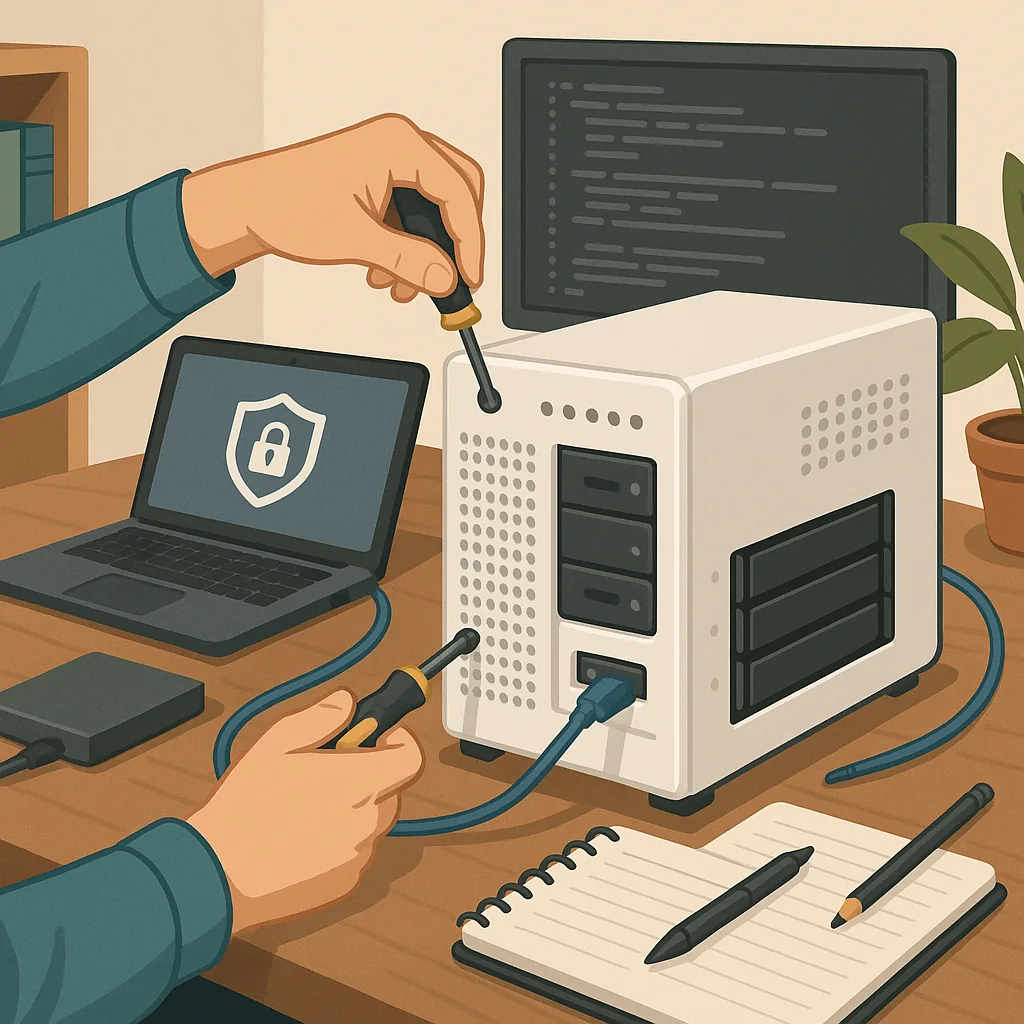
how to set up a home server safely
Setting up a home server is a practical way to host backups, media, automation and development services under your control, but it brings responsibilities around security and maintenance. This guide collects tips and tricks that focus on reducing risk rather than chasing features, so you can run essential services without creating an unnecessary attack surface. Read these points as a compact checklist you can apply whether you use a repurposed laptop, a small single-board computer or a compact tower PC. Keep changes incremental and test one thing at a time so you can identify problems quickly.
Start with sensible hardware choices and a safe physical location for the server. Choose components with a track record for reliability, and prefer SSDs for the OS where possible to reduce failure points. Place the machine in a cool, well-ventilated area away from dust and damp, and consider a lockable cabinet if others share your space. Use a good-quality surge protector and, for longer outages or to protect ongoing writes, a small UPS that can safely shut the server down on battery. Label power and network connections to avoid accidental reboots during house maintenance.
Network configuration is one of the most important areas for safety. Give the server a static IP or a DHCP reservation and document it. Keep the server on a segmented network or VLAN separate from IoT devices and general-purpose guest Wi-Fi to limit lateral movement if another device is compromised. Use a hardware or software firewall to close unused ports and only forward what you absolutely need. For remote access choose a VPN or a secure reverse-proxy rather than exposing management interfaces directly to the internet.
Choose an operating system and service architecture that match your skill level and maintenance appetite. Minimal, well-supported distributions such as Debian or Ubuntu LTS are good choices for general services, while specialised solutions like TrueNAS or Unraid suit storage-focused setups, depending on licensing and needs. Prefer running services in containers to reduce configuration drift and to isolate services from one another, and apply the principle of least privilege to system users and file permissions. Keep the number of installed services small to reduce the patch surface.
Secure authentication and access control from the outset. Use SSH keys rather than passwords for remote shell access and disable password authentication for SSH where feasible. Disable direct root login and create a dedicated, sudo-enabled admin account for day-to-day tasks. Enforce strong, unique passwords for any web-facing accounts and enable two-factor authentication where supported. Run an intrusion detection utility such as fail2ban to limit repeated login attempts and consider geo-filtering or IP allowlists for sensitive services if your usage pattern permits it.
Backups, monitoring and logs are the safety net when things go wrong and should be automated and tested. Implement a 3-2-1 backup approach: at least three copies of important data, on two different media types, with one copy stored offsite. Automate snapshotting for quick restores and schedule regular full restores from backup to verify integrity. Monitor disk health with SMART checks, track service availability with a lightweight monitoring tool, and centralise logs so you can review suspicious activity over time. Keep update and backup windows documented so maintenance is predictable.
- Checklist: enable firewall and SSH keys, segment the network, schedule backups, test restores, automate updates where safe.
- Checklist: label hardware, use a UPS, keep software minimal, document IPs and users, review logs weekly.
Finally, maintain good documentation and a calm update process. Keep a short runbook for common recovery tasks and document the steps to rebuild the system from scratch, including configuration snippets and encryption key locations. Automate routine tasks with scripts but review them before execution, and stagger major updates so you can roll back quickly if needed. For further practical walkthroughs and similar projects see the collection on the site’s How-To Guide label for procedures you can adapt to your own environment. Keep the setup minimal, documented and regularly reviewed so your home server remains useful and secure. For more builds and experiments, visit my main RC projects page.
Comments
Post a Comment