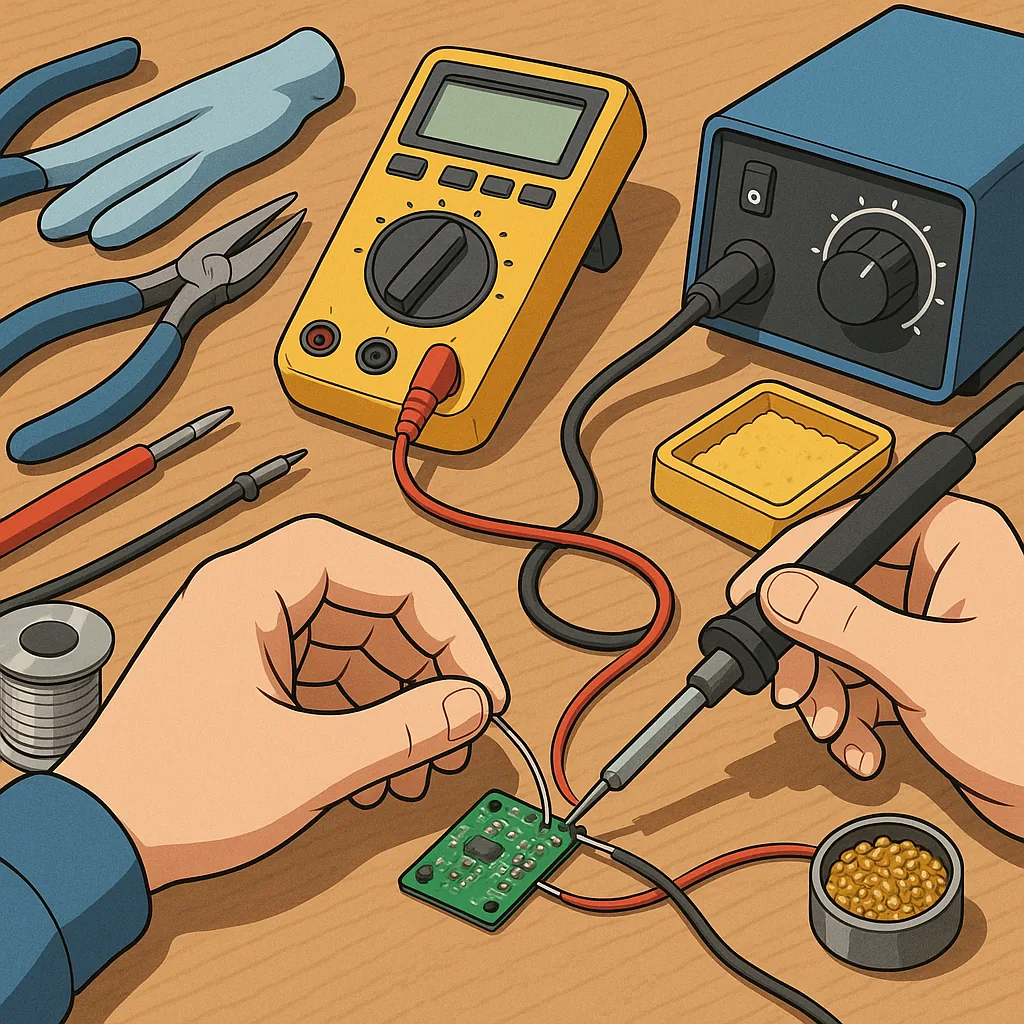
basic soldering and wiring reliability — a practical checklist for makers
This checklist guide covers the essential habits and checks that keep simple electronics and wiring work reliable over time, aimed at hobbyists and makers who want consistent results without unnecessary complication.
Start with safety and the right tools, which will save time and reduce rework later. Use a temperature-controlled soldering iron with an appropriately sized tip and a small brass sponge or wet sponge for tip cleaning. Wear eye protection and work in a well ventilated area to avoid inhaling flux fumes. Keep a fume extractor on hand if you frequently solder, and unplug the iron when not in use to prevent accidents. For reference to similar maker projects and practices, see the Maker & DIY label on this site at Build & Automate Maker & DIY.
Prepare materials before applying heat to ensure every joint is straightforward to make. Strip wires to the right length for the terminal or pad, avoid nicking conductors, and twist stranded wire ends to keep strands tidy. Clean component leads and PCB pads where possible to remove oxidation and old flux. Choose solder with a suitable core flux for your application and match wire gauge to the current it will carry. Label wires or use coloured sleeving to maintain clarity during assembly and future maintenance.
- Check that the iron tip is tinned and heated to the recommended temperature for your solder type, usually around 320 to 370 degrees Celsius for leaded solder and slightly higher for lead-free solder.
- Ensure the joint is mechanically secure before soldering, using pre-bending or a small amount of solder tack to hold parts in place.
- Heat the joint, not the solder, and apply solder to the heated metal so it flows into the connection rather than just coating the iron tip.
- Avoid cold joints by ensuring the solder wets both surfaces and forms a smooth, shiny fillet rather than a dull blob.
- Trim excess leads close to the solder fillet to prevent shorting and improve aesthetics, leaving a small radius rather than a sharp cut edge.
- Use insulating tubing or heat-shrink sleeving over exposed conductors and ensure it is fully shrunk before the device is placed into service.
- Provide strain relief using cable ties, grommets or clamps so mechanical load does not transfer to the soldered joint.
When performing the soldering itself, adopt a consistent technique that prioritises heat control and speed. Bring the iron tip to the pad and lead simultaneously to raise the assembly temperature, then feed solder into the joint so it is drawn in by capillary action. Remove the solder first and then the iron within a second or two to avoid overheating components and PCB traces. If you are soldering heat-sensitive components, consider using a heat sink on the lead or preheating the board gently to reduce thermal shock. Clean away flux residue when using a no-clean flux in sensitive environments, or leave it if it is rated safe for your application and cleaning is impractical.
For wiring reliability beyond the solder joint, think about the long-term mechanical and environmental stresses the assembly will face. Select wire insulation rated for the expected temperature and chemical exposure, and use the correct gauge to limit voltage drop and heating. Route cables to avoid sharp bends, pinch points and chafing, and secure them with clips or ties that do not cut into the insulation. Apply strain relief at connectors and any point where the cable exits an enclosure. For outdoor or harsh environments, add potting, conformal coating or sealed connectors as appropriate to the project.
Finally, verify and maintain your work with simple tests and a short inspection routine to catch issues early. Perform a visual inspection under good light, checking for bridges, cold joints and loose strands, then use a multimeter for continuity and short tests before powering the circuit. Run a functional test under the expected load and monitor for unexpected heating or intermittent behaviour. Keep a record of common failure modes you encounter and update your checklist to prevent recurrence, and revisit older projects periodically for a quick service and any necessary rework. For more builds and experiments, visit my main RC projects page.
Comments
Post a Comment