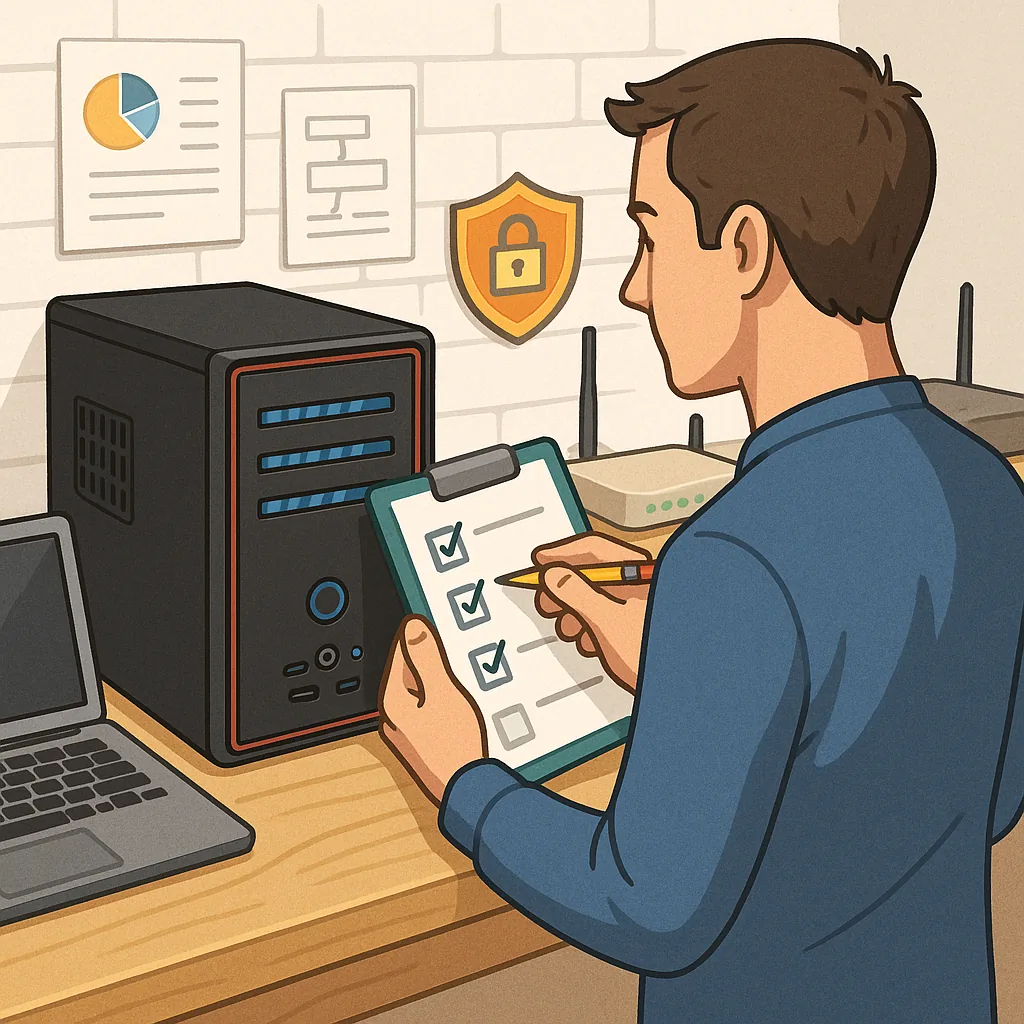
how to set up a home server safely: a practical checklist for beginners
Setting up a home server safely is straightforward when you follow a checklist that balances functionality with security and maintainability, and this guide gives a clear sequence of steps you can tick off as you go to reduce common mistakes and risks.
Begin by defining the purpose of the server and the constraints you have, such as budget, noise, power consumption and network location, and choose hardware and an operating system suited to that purpose to avoid overcomplication later.
- Pick reliable hardware and consider a small form-factor server or repurposed desktop with a tested hard drive and adequate RAM for your workload, and place it in a cool, dry, secure location with restricted access.
- Use an uninterruptible power supply to protect against sudden power loss and consider power-saving settings to manage heat and energy use.
- Create a separate account for administration and avoid using the default or root account for daily tasks.
- Install a stable, well-supported operating system and apply all current security patches before exposing the server to your network.
- Disable or remove unnecessary services and daemons to reduce the attack surface of the system.
- Configure storage with redundancy or regular backups and verify backups by periodically restoring files to a test location.
- Enable disk encryption for sensitive data at rest and use secure transport protocols such as SSH or TLS for remote access and data transfer.
- Implement strong authentication, ideally using SSH keys for shell access and complex, unique passwords for web services, plus two-factor authentication where available.
- Segment your network so that the server sits on a different VLAN or subnet from guest devices and less trusted machines.
- Plan a maintenance schedule for updates, backups and log reviews and document the configuration so you can recover more quickly after an outage.
Network configuration is critical for safety, so assign a static IP address or a DHCP reservation for the server and set clear firewall rules on both the server and the router to allow only the ports and protocols that are strictly necessary for your services.
Minimise port forwarding and, if remote access is required, prefer a VPN into your home network rather than exposing management interfaces directly to the internet, and ensure router firmware is current and its admin interface is protected with a strong password and remote management is disabled unless explicitly needed.
Harden the software stack by keeping services isolated using containers or virtual machines where appropriate, applying permission least privilege principles for files and processes, and enabling intrusion prevention tools such as fail2ban or similar to block repeated failed authentication attempts.
Set up monitoring and logging to capture important events and resource metrics, retain logs off the server where possible, and test restores from backups regularly so you know your recovery process works as expected, and consider automated alerts for disk usage, certificate expiry and failed backups.
Keep a short operations checklist to follow after initial deployment that includes applying all operating system updates, rotating credentials and keys on a schedule, verifying backup integrity, auditing open ports and services, and making a note of physical security measures, and for further practical checklists see the How-To Guides collection on this site at How-To Guides.
In summary, treat a home server as you would a small business server by planning the purpose, limiting exposure, automating backups and updates, and documenting your configuration so you maintain a safe, resilient setup that meets your needs over time. For more builds and experiments, visit my main RC projects page.
Comments
Post a Comment